How to Automate Webinar Registration to Calendar Invites
Webinars and conferences rely heavily on registrations converting into actual attendance. One of the biggest reasons people miss webinars is simple: they forget about the event.
Automate webinar becomes critical for calendar invitation. When attendees receive an event invitation directly in their calendar, the event becomes part of their daily schedule rather than just another email in their inbox.
For webinar teams, however, manually sending invites to hundreds or thousands of registrants is inefficient and error-prone. Modern event teams now automate the process so that every registration instantly triggers a calendar invite for the attendee.
In this guide, we will explore how webinars and conference organizers can automate the process of sending calendar invites, improve attendance rates, and manage invites at scale using tools designed for event operations.
Why Calendar Invites Are Critical for Webinar Attendance
Webinar organizers often focus heavily on generating registrations, but the real success metric is actual attendance.
Calendar invites help bridge that gap.
Key benefits of sending invites automatically
- Higher webinar attendance rates
- Reduced last-minute confusion about event timing
- Built-in reminders through the attendee’s calendar
- Better time management for executives and professionals
Understanding what is a calendar invite and how it works is essential for event teams looking to improve engagement and attendance.
The Challenge: Managing Webinar Invites at Scale
As webinars grow larger, managing invites becomes more complex.
Event teams frequently deal with:
- Thousands of webinar registrations
- Multiple sessions across time zones
- Different attendee segments
- Personalized communication requirements
Manually sending invites or relying on simple email confirmations can quickly become unmanageable.
Some organizers attempt manual workflows such as sending a calendar invite one by one through email clients, but this approach becomes inefficient as the event grows.
What is Webinar Registration Automation?
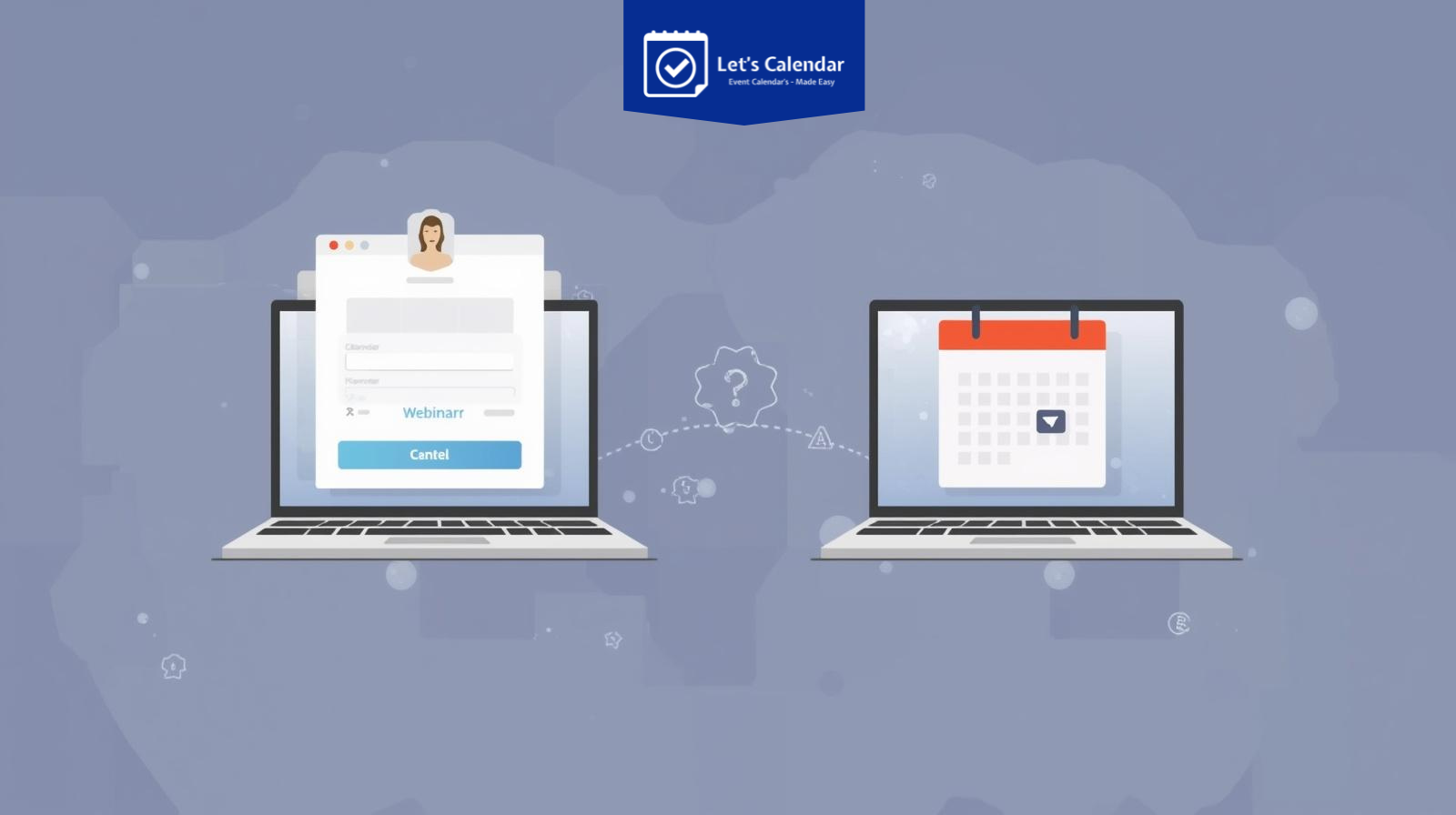
Webinar registration automation connects registration forms, event platforms, and calendar systems so that once someone registers, the system automatically generates and delivers the event invite.
This automation allows event teams to:
- Instantly send invites after registration
- Automatically update event details if changes occur
- Track RSVP responses from attendees
This creates a seamless experience for both organizers and attendees.
How Automated Calendar Invites Improve Webinar Success
Automation does more than save time,it improves the entire attendee experience.
1. Instant Confirmation for Registrants
When someone registers, they immediately receive an invite in their calendar.
2. Reduced Administrative Work
Teams no longer need to manually send meeting invites in Outlook or Gmail for every registrant.
3. Built-in Event Reminders
Calendar platforms automatically notify attendees before the webinar starts.
4. Better Data Tracking
Event teams can monitor RSVP responses and engagement.
Key Features to Look for in an Automated Calendar Invite System
Not all automation tools are designed for event operations.
When selecting a solution, organizers should look for:
Bulk Invite Distribution
The ability to manage bulk calendar invitations for large attendee lists.
Personalization
Each attendee should receive a personalized event invite including:
- Name
- Session details
- Join links
- Custom event instructions
Calendar Platform Compatibility
The system should work with major calendar platforms including:
- Google Calendar
- Microsoft Outlook
- Apple Calendar
RSVP Tracking
Tracking attendee responses helps teams estimate attendance.
Step-by-Step Guide: Automating Webinar Calendar Invites
Here is a practical workflow for webinar organizers.
Step 1: Capture Webinar Registrations
Start by collecting registrations through:
- Webinar landing pages
- Event platforms
- CRM integrations
- Marketing automation tools
Ensure the form collects:
- Name
- Email
- Company
- Event session preference
Step 2: Integrate Registration With Calendar Automation
Once registration is completed, the system should automatically trigger the event invite.
This eliminates the need to manually invite calendar entries for each participant.
Automation platforms connect registration systems directly with calendar distribution tools.
Step 3: Generate Personalized Calendar Invites
Each attendee should receive a personalized invitation containing:
- Event title
- Webinar description
- Speaker information
- Join link
- Time zone details
Personalized invites significantly increase attendee engagement.
Step 4: Send Invites at Scale
Large webinars often require invites to be sent to thousands of attendees simultaneously.
Automation platforms allow teams to send calendar invite Gmail or Outlook invites at scale while maintaining personalized messaging.
Step 5: Enable One-Click Add-to-Calendar Options
Many webinar platforms now allow attendees to easily add to calendar from confirmation pages.
Popular integrations include:
- Google Calendar
- Outlook Calendar
- Apple Calendar
Tools such as addevent or similar integrations allow attendees to quickly save the event to their calendar.
How to Send Calendar Invites Across Major Platforms
Different organizations use different calendar platforms, so event teams must support multiple options.
Sending Invites in Google Calendar
For teams managing events through Google Workspace, it is common to send calendar invite Gmail through automated integrations.
Automation tools connect directly to Google Calendar to create and deliver invites without manual intervention.
Sending Invites in Microsoft Outlook
Enterprise organizations often rely on Outlook.
Automation tools allow organizers to send meeting invites in Outlook to large attendee groups while maintaining event consistency.
Supporting Multiple Calendar Platforms
The most effective systems allow registrants to choose how they want to receive their invite:
- Google Calendar
- Outlook
- Apple Calendar
This flexibility ensures that attendees can easily access the event regardless of their preferred platform.
How Let’s Calendar Helps Automate Webinar Invites
For webinar and conference organizers managing large-scale events, automation tools such as Let’s Calendar simplify the entire process.
With Let’s Calendar, event teams can:
- Send bulk calendar invites for webinars and conferences
- Personalize event invitations for each attendee
- Deliver invites directly into attendees’ calendars
- Manage RSVP responses and event updates
- Send invites discreetly without overwhelming email inboxes
The platform allows organizers to manage invitations at scale while maintaining a personalized experience for every attendee.
Future Trends in Webinar Invite Automation
As webinars and virtual events continue to grow, automation will become even more important.
Future systems will likely include:
Event teams that adopt automated calendar invite systems will be better equipped to manage large-scale webinar programs.
Conclusion
Automate webinar and conferences are becoming increasingly complex, with thousands of attendees joining events across multiple platforms and time zones.
Automating webinar registration to calendar invites ensures that every attendee receives the event details instantly and can easily save the session to their calendar.
By combining smart automation tools, personalized invitations, and scalable invite distribution, event organizers can significantly improve attendance rates and simplify event operations.
Platforms like Let’s Calendar help event teams send invites at scale while maintaining personalized communication with attendees, making it easier to manage webinars, conferences, and client meetings efficiently.






Recent Comments