























Send Mass & Bulk Calendar Invites

Hosting a Webinar or an Event? Instead of sending calendar invite to each of your users one-by-one, use Let's Calendar to send Mass & Bulk Calendar Invites to your users and get instant confirmations!

Let's Calendar - A Bulk Calendar Invite Sending Tool for Event Organisers, Event Marketing Manager, Event Industries, Attendee Management tool, RSVP tool
Bulk Calendar Invites for Google, Outlook & Apple

Send Mass & Bulk Calendar Invites

Send real calendar invites in bulk for webinars, meetings, and events, directly to attendee calendars with native RSVP support.

  • Send mass invite
  • 1:1 personalized invite
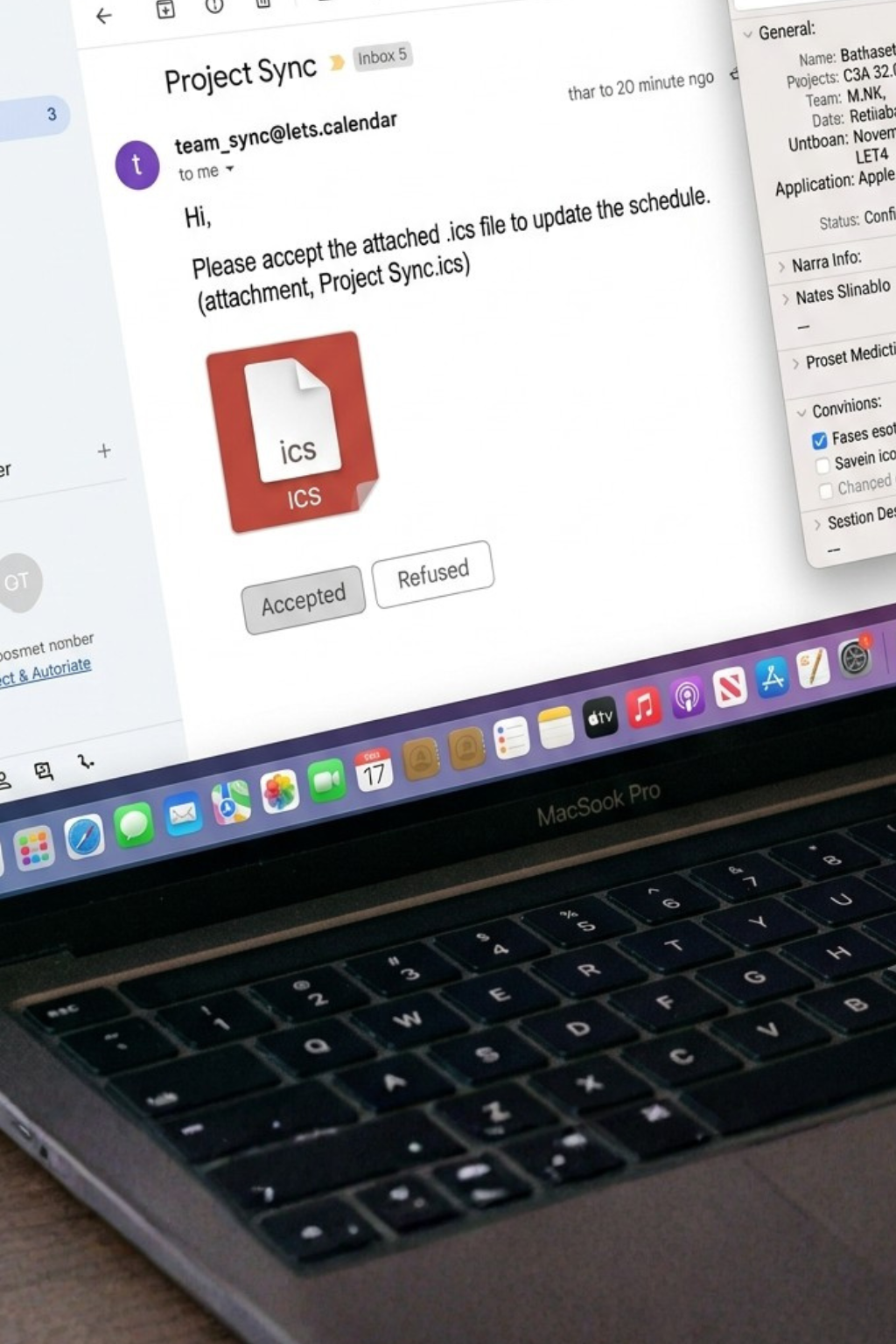
  • No iCal / .ics files required
  • Add to Calendar automatically
  • Real time RSVP tracking
Get Started
No credit card required
Setup in 2 minutes
Let's Calendar the bulk and mass calendar invite sending tool
✨ Christmas Special OFFER LIVE ✨ ✨ Christmas Special OFFER LIVE ✨ ✨ Christmas Special OFFER LIVE ✨ ✨ Christmas Special OFFER LIVE ✨ ✨ Christmas Special OFFER LIVE ✨ ✨ Christmas Special OFFER LIVE ✨ ✨ Christmas Special OFFER LIVE ✨
Plan Ahead. Save Bigger. Christmas Special Offer!

Let's Calendar

Get 35% OFF Your First 3 Months

This Christmas offer is trending: new claims every few minutes.

⏳ Offer Time Left:

✨ Valid till 15th Jan. Valid for new users only • Limited time offer

USE COUPON CODE:

EARLY2026
Experience

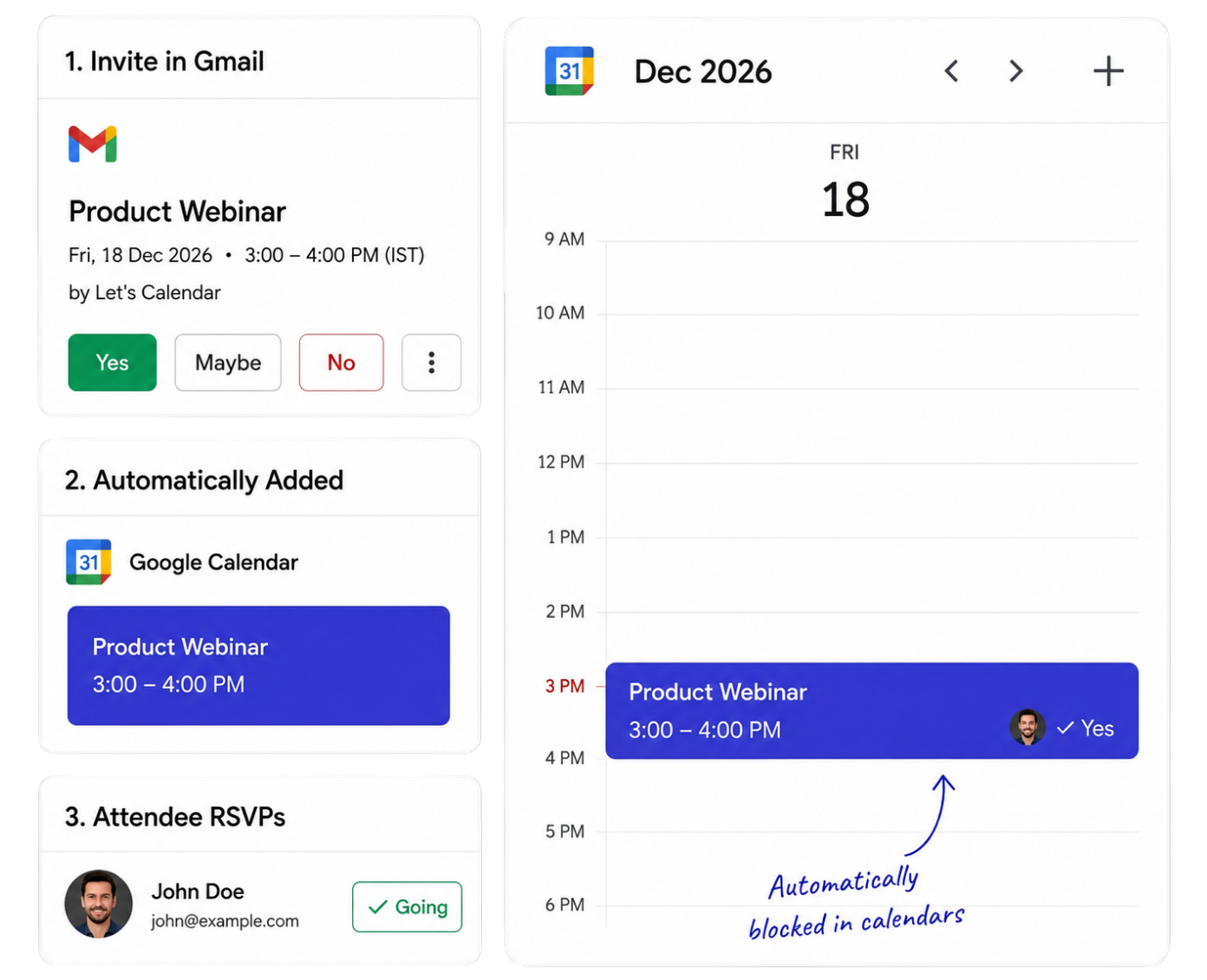
Real Invite Experience Your Attendees See

Gmail logo Gmail Invite
Product Webinar
Fri, 18 Dec 2026 · 3:00 - 4:00 PM (IST)
Online / Virtual
Outlook logo Outlook Invite
Product Webinar
Fri 18-12-2026 03:00 PM
Webinar Link
Google Calendar logo Calendar View (Automatically Blocked)
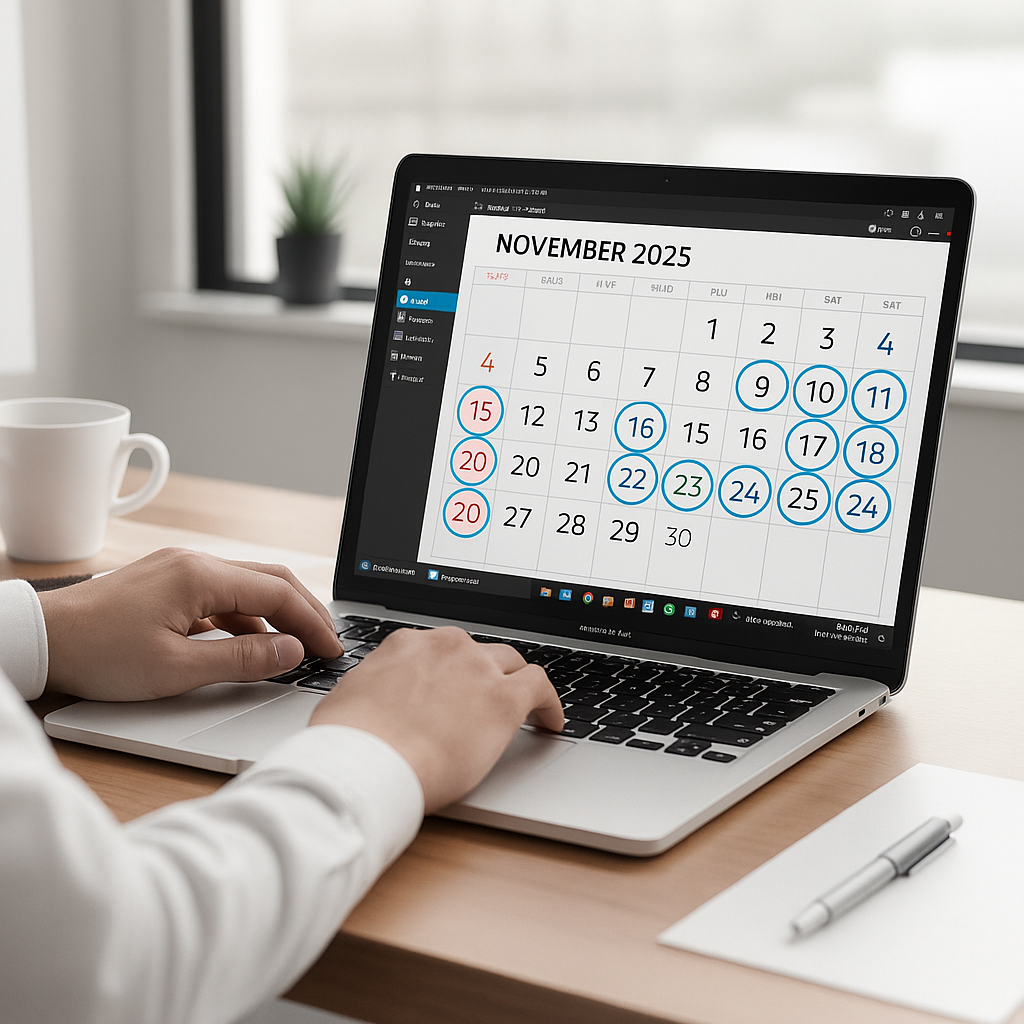
Dec 18, 2026
Tuesday
3 PM
Product Webinar 3:00 – 4:00 PM
Yes
4 PM
Automatically
blocked in calendars
Process

How Let's Calendar Works

1

Create Campaign

Create your webinar, meeting or event in seconds.

2

Add Contacts

Import your attendee list securely in bulk.

3

Send Bulk Calendar Invites

Invites are delivered to Google, Outlook & Apple calendars.

4

Track RSVP Responses

See who accepted, declined or maybe in real-time.

Comparison

Why regular emails don’t work for events

vs
Traditional emails
  • Sent one-by-one, slow
  • No personalization at scale
  • Discloses attendee contacts
  • No centralized actions
Let's Calendar
  • Bulk invites to 1,000s in minutes
  • Personalized invites, still automated
  • Secure attendee contacts
  • Detailed contact list, live RSVP tracking
Overview

Why Choose Let's Calendar?

The simplest way to schedule meetings and manage your time. Built for teams who value simplicity and efficiency.

Easy to Use

Intuitive interface that anyone can master in minutes. Schedule meetings effortlessly with a simple, clean design that gets out of your way.

1:1 Personalization

Every invite is personalized for the recipient, not a mass template. Attendees get a tailored invite that lands straight on their calendar.

Automation

Automatically handle scheduling, reminders, and follow-ups. Let the system work for you so you can focus on what matters most.

Privacy

Your data is yours. We use industry-leading security practices to keep your information safe and never share it with third parties.

Let's Calendar Product Showcase Presentation Panel Demo Preview

Our Clients

Brilliant Care Geodis Grant Cardone Tata Impact Co. Incisive Media Match Alliance Match Alliance Type Coach The Channel Co. Propeller New Education Access Vereigen Media Brilliant Care Grant Cardone Impact Co. Incisive Media Match Alliance Match Alliance Type Coach The Channel Co. Propeller New Education Access Vereigen Media Avanti Health Adapt L'hemicycle Search Atlas
Highlight Features

Powerful Features to Elevate Your Calendar Experience

Everything you need to create, manage, and share professional calendar events with ease

Set Recurring Events

Set Recurring Events

Effortlessly create and manage recurring events with flexible scheduling options. Set daily, weekly, monthly, or custom patterns to automate your calendar management and save valuable time.

Add to Calendar Button

Add to Calendar Button

Make it easy for your users to add events to their calendars with one simple click. Our universal calendar button works seamlessly across all major calendar platforms including Google, Outlook, and Apple.

Apple & Google Wallet Event Pass

Auto-Generated .ics & iCal Files

Every invite comes with a ready-to-use .ics/iCal file, generated automatically, no downloads, no manual steps. It just works across any calendar app.

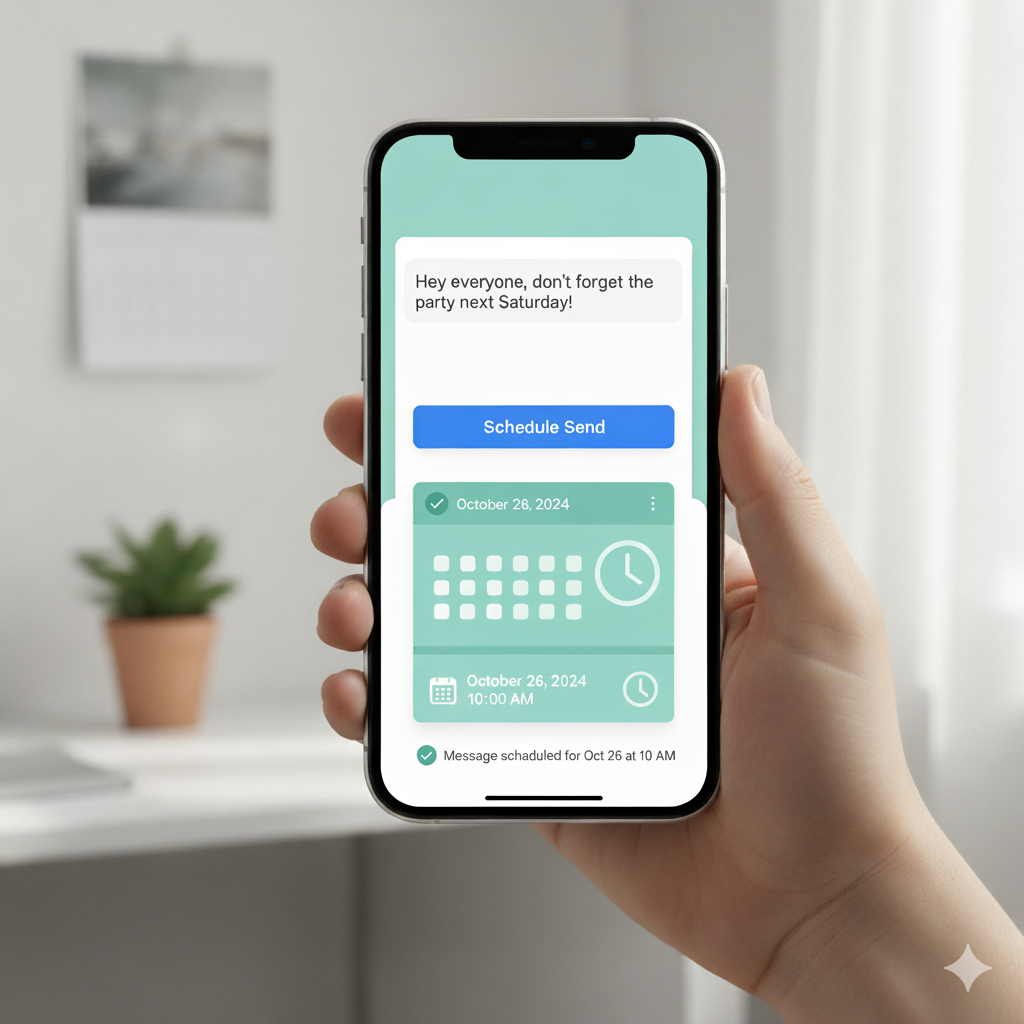
Schedule Send

Schedule Send

Plan ahead with scheduled sending capabilities. Set up your event invitations and reminders to be sent at the optimal time, ensuring maximum engagement and attendance from your audience.

Capabilities

Everything You Need to Send Bulk Calendar Invites

Powerful features built for event & webinar teams.

Mass Mailing Integrations

Seamless connection paths setup with SendGrid, Mailjet, Brevo and other top providers.

Native Calendar Blocking

Events appear directly in attendee calendars and time is blocked automatically.

Easy to use Interface

Completely browser based tool, easy to use by anyone from anywhere on every device.

O365 and Gmail Integration

Sign-in with your O365 or Gmail Account in 1-click for easy integration.

Zoom Compatibility

Zoom integration allows easy sync of new registrations for your Zoom Webinars or Meetings.

Contact Importer

Easily Import contacts using .CSV or .XLSX. Also Zoom and Zapier options available.

Schedule Send

Setup a date/time to send your calendar invites or send them instantly, the choice is yours.

Unlimited Campaigns & Contacts

Supports creation of unlimited campaigns and adding unlimited contacts to each campaign!

Personalize Calendar Description

Sending invites with personalization gives better response and participation.

Event Update & Cancel

Easy to edit and send updates to contacts. Inform contacts about event cancellation with a single click.

MFA Support

Secure your Let's Calendar account and sub-users with multi-factor authentication and keep track of activities.

Calendar Invites with Attachments

Send calendar invites with attached PDF or image seamlessly to all attendees.

Ecosystem

Works With Your Favorite Tools

Connect Let's Calendar with the tools you already use.

Seamless events creation and management inside Google Calendar ecosystem lines.

Explore Google Calendar

Native tracking support for Microsoft Outlook workspace scheduling invites.

Explore Outlook Calendar

Create and send calendar invites natively for your Zoom webinars and meetings.

Explore Zoom

Automate your custom CRM workflows and dispatch calendar invites via Zapier hooks.

Explore Zapier
More

Explore more integrations and connect tools that power your automated workflow.

View All Integrations
Insights

Latest from Our Blog

Stay ahead with guides, tips, and strategies on calendar automation and email invitations.

What is an ICS file thumbnail presentation layout

What is .ics: How It Works & Why It's Becoming Outdated

Discover the fundamentals of ICS calendar standard files, how email platforms parse attachment data formats natively, and why traditional static calendar methods fall short for tracking dynamic, live webinar updates.

Read Article
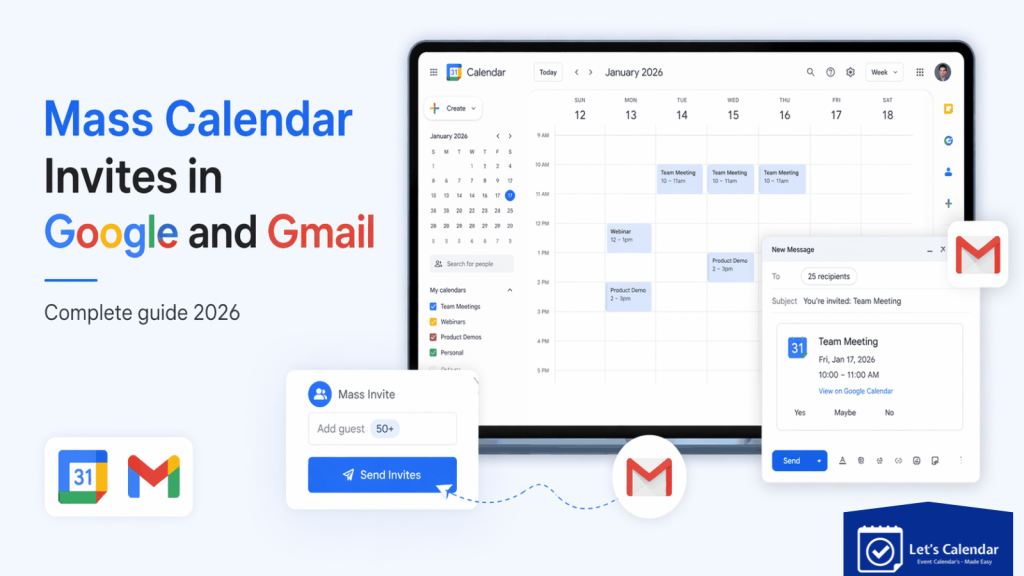
Mass Calendar Invites in Google and Gmail complete blueprint guide preview

Mass Calendar Invites in Google & Gmail: Complete 2026 Guide

Learn how to scale your scheduling pipelines by sending mass calendar invites via Gmail. Overcome daily API participant limits and unlock real-time RSVP dashboard monitoring updates smoothly.

Read Article
Mass Calendar Invites in Outlook and Microsoft 365 documentation preview

Mass Calendar Invites in Outlook & Microsoft 365

A comprehensive strategic breakdown of running bulk calendar operations in Outlook. Seamlessly bypass common visual group recipient restrictions and deliver 1:1 tailored invites to massive groups.

Read Article

Trusted by Event & Webinar Teams

1,000+ Happy Customers
500k+ Invites sent everyday
100M+ Attendees Reached
4.9/5 Average Rating
4.5/5

"Great product it's very helpful!"

Easy to organize and view all events in one place, it is a hassle-free, easy-to-manage tool to send invitations in bulk, and I love the ability to import your contacts.

Elaine H. Profile Picture
Elaine H. Senior Growth Consultant · Mid-Market (51-1000 emp.)
5.0/5

"Let's Calendar makes it way too easy"

It is way too easy to use. Let's Calendar makes it happen within no time. I am pretty impressed by its UI. Even an average person with less or no technical skills can use it. The best thing is that within a few steps I can manage all my meetings.

Jeanette S. Profile Picture
Jeanette S. Senior Growth Consultant at Xavor · Mid-Market
4.5/5

"Makes Managing Meetings and Webinars Simple"

This programme is simple to use and does not require any technical knowledge to learn. I have no trouble running my business webinars and managing all of my meetings. The ability to upload and track my attendance is the best feature.

Donna O. Profile Picture
Donna O. Strategic Account Director · Mid-Market (51-1000 emp.)
5.0/5

"Super and helpful Calendar App!"

Let's Calendar is amazing and great when it comes to the invites for my online events and webinar. I used it to send reminders to my invitees. This comes very handy when it comes to invitee's reminders.

Pratik M. Profile Picture
Pratik M. Architect · Mid-Market (51-1000 emp.)
4.5/5

"Makes My Meeting and Webinars Easy to Manage"

It is easy to use and requires no technical skills to learn this tool. I can easily manage all my meetings and company webinars in minutes. The best thing I have found in this tool is I can easily upload my attendees list and track them.

Syed F. Profile Picture
Syed F. Senior Digital Marketing Executive · Mid-Market
4.5/5

"Sharing events with Let's Calendar"

It seems quite easy and practical when it comes to creating and organizing events to then share them with clients by email, and having the visual calendar to be able to see it more quickly and have the month organized.

Sergio D. Profile Picture
Sergio D. Farmacéutico · Small-Business (50 or fewer emp.)
4.5/5

"Great product to send invitations and reminders"

It is a hassle-free, easy-to-manage tool to send invitations in bulk. Great product when it comes to organizing online events and tracking participant attendance effortlessly.

Jigar K A. Profile Picture
Jigar K A. CSIR SRF · Mid-Market (51-1000 emp.)

Ready to improve your event attendance?

Start sending bulk calendar invites in minutes.

FAQ

Frequently Asked Questions

Everything you need to know about Let's Calendar, bulk calendar invites, integrations, and more.

  • Let's Calendar helps event organisers to send bulk calendar invites for webinars, conferences, meetings, and events across Google Calendar, Outlook, Microsoft 365, and Apple Calendar. Invites sent using Let's Calendar land into the inbox and block the calendar directly without further actions. It automates invites, personalizes communication, and improves attendance.

  • Create a campaign, upload contact lists via CSV/XLSX, customize event details, and send invites to all recipients at once — saving time and avoiding manual entry.

  • Yes. Connect your Gmail, Google Calendar, Outlook, or Microsoft 365 account to send invites and manage attendees seamlessly across platforms.

  • Yes. Tailor invites for speakers, sponsors, VIPs, or general attendees with unique links, schedules, and event details.

  • Yes. It's built for webinars, conferences, client meetings, and recurring events — helping teams manage large-scale invite campaigns with ease. It is compatible with all meeting links from Google Meet, Teams, Zoom, GoTo, and many more.

  • Yes. Track accepted, declined, and pending responses to manage follow-ups and boost attendance.

  • Instead of manually adding attendees, Let's Calendar lets you upload lists, automate invites, and send Google Calendar invites at scale.

  • Connect your Outlook or Microsoft 365 account, upload attendee lists, and send bulk invites directly — eliminating manual contact entry.

  • Yes. Upload CSV/XLSX files, map attendee details, personalize event info, and send invites to hundreds or thousands of recipients in one go.

  • For large events, webinars, or recurring meetings, Let's Calendar is the best choice — it automates invites, personalizes communication, and reduces manual work.

  • Yes. Let's Calendar allows you to integrate your Zoom for webinars or meetings to automatically send invites to registrants — perfect for recurring online events.

  • Through Zapier, you can connect CRMs, event platforms, registration forms, and spreadsheets. New registrations automatically sync with Let's Calendar, triggering invite workflows without manual effort.

  • Let's Calendar helps you send personalized calendar invitations to hundreds or thousands of attendees from one dashboard. You can upload your attendee list, create your event, and send invitations in bulk instead of adding each person manually.

  • With Let's Calendar,create your event, upload your attendee list using CSV/XLSX and send it to your entire list through a single campaign.

  • Let's Calendar lets you use attendee information from your uploaded list to personalize invitations. This allows you to send one campaign while giving each recipient their relevant event information.

  • Create your event, map the required fields, upload your CSV/XLSX attendee list to Let's Calendar, and send the calendar invitations to the imported contacts.

  • Create your campaign for a webinar or conference event in Let's Calendar, add your attendee list, and send the calendar invitations in bulk. You can also include supported meeting information such as Zoom details.

  • Let's Calendar supports recurring events. Set the recurrence when creating your campaign, add your attendees, and send the invitations without creating every occurrence manually.

  • Let's Calendar provides RSVP/acceptance tracking for supported calendar connections, helping you see attendee responses from your campaign instead of checking individual invitations manually.

  • Let's Calendar works with Google Calendar and Microsoft Outlook/Microsoft 365. You can connect the supported calendar service, create your campaign, add attendees, and send invitations at scale.

  • With Let's Calendar, you can manage and edit campaigns and send updates or cancellation notifications to attendees when event details change, instead of handling recipients individually.

Copyright © 2026. All Rights Reserved.

Designed with    by
Manomay Informatics

About Us

Follow Us