- Email: [email protected]
- phone: +44 (0) 203 916 5117

29 Jan

How to automate calendar invite sending process using pabbly
Automating the calendar invite process using Pabbly helps teams reduce manual work, avoid scheduling errors, and send timely invites at scale. By connecting your data sources to an automation workflow, calendar invites can be triggered automatically whenever a new event, registration, or update occurs. This approach improves consistency, saves time, and ensures invitees receive accurate
29 Jan
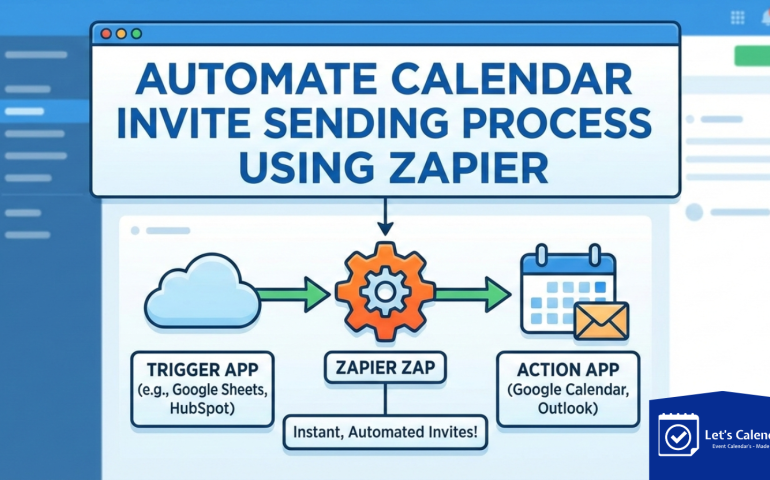
How to Automate Calendar Invite Sending Process Using Zapier
Automating the calendar invite process using Zapier helps teams send accurate, timely invites without manual effort. By connecting your forms, CRMs, or spreadsheets to your calendar workflow, you can trigger calendar invites automatically, reduce missed meetings, and improve attendance especially when managing events, webinars, or client meetings at scale.
20 Jan
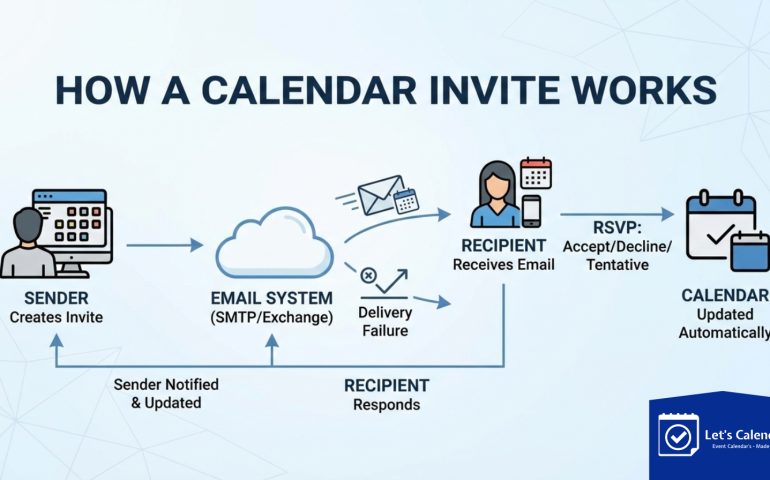
How Calendar Invite Works?
A calendar invite is a simple yet powerful way to schedule meetings and events. This blog explains how a calendar invite works, how it is sent through email, how recipients add events to their calendars, and why businesses need a dedicated tool like Let’s Calendar to manage bulk and mass calendar invites efficiently without delivery
20 Jan
Calendar Invites Made Simple: From Basics to Bulk Sending with Better Deliverability
Bulk sending of calendar invites is essential for businesses managing events, meetings, and automated scheduling. This blog explains what calendar invites are, how Outlook and Gmail handle meeting requests, and why bulk sending requires better deliverability strategies. It also covers how integrating Brevo with Let’s Calendar helps organizations send calendar invites reliably while avoiding email
20 Jan
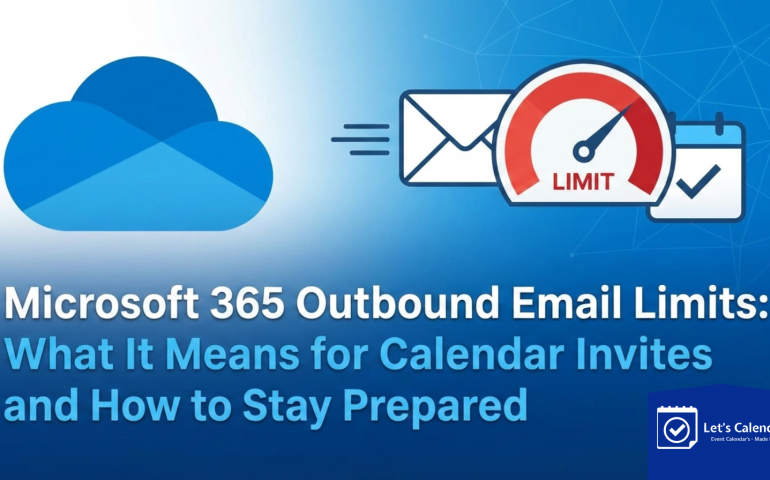
Microsoft 365 Outbound Email Limits: What It Means for Calendar Invites and How to Stay Prepared
Microsoft 365 has introduced tenant-level outbound email limits that can impact high-volume calendar invitations. This blog explains what the update means for businesses, the risks of sending large numbers of meeting invites through Outlook or Gmail, and how tools like Let’s Calendar help organizations manage bulk calendar invites using multiple SMTP providers without hitting Microsoft
16 Jan

Gmail vs Outlook Calendar Invites: Hidden Limitations No One Talks About
Gmail & Outlook calendar invites often behave differently due to formatting, sync rules, and platform limitations. This article uncovers lesser-known issues that affect invite delivery, acceptance, and calendar visibility.
16 Jan

Why Meeting Invites Fail to Show Up in Gmail & Outlook
Meeting invites don’t always appear correctly in Gmail & Outlook due to format conflicts, email handling rules, and calendar sync limitations. This article explains the most common reasons invites fail and how users can avoid missed meetings.
16 Jan

What Happens After You Send a Calendar Invite?
After you send a calendar invite, several things happen behind the scenes, from delivery and acceptance to calendar updates and reminders. This article explains each step so you understand how calendar invites work across email and calendar systems.
19 Dec
How Teams Send 100+ Meeting Invites Without Using Gmail or Outlook
Sending hundreds of meeting invites manually through Gmail or Outlook quickly becomes inefficient and error-prone. This article explains how teams bypass Gmail or Outlook by using centralized invite workflows designed for scale. It highlights common challenges with traditional email calendars and shows how automation improves delivery, updates, and attendee tracking. For operations, marketing, and enterprise
19 Dec
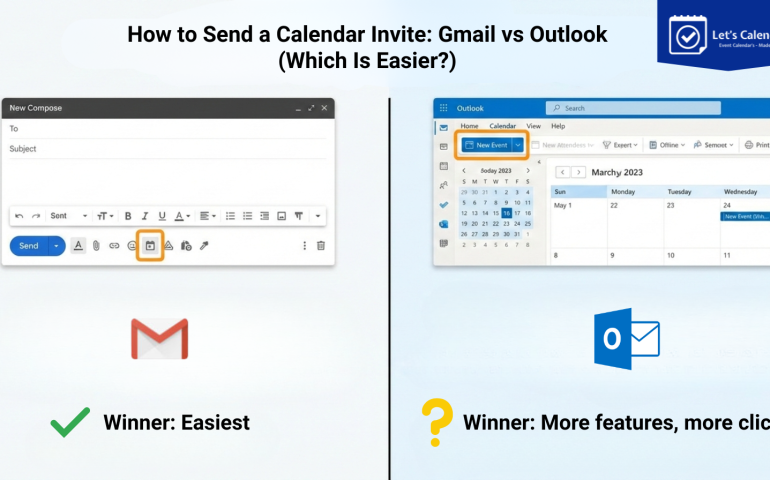
How to Send a Calendar Invite: Gmail vs Outlook (Which Is Easier?)
Sending calendar invites may look simple, but choosing the right platform makes a big difference when scale matters. This guide compares Gmail and Outlook to help teams understand which option is easier for everyday scheduling and large-scale meetings. From user experience to delivery reliability, we break down how each tool supports mass calendar distribution. Whether



Recent Comments