Maximize Your E-Commerce Event Attendance With Bulk Calendar Invites
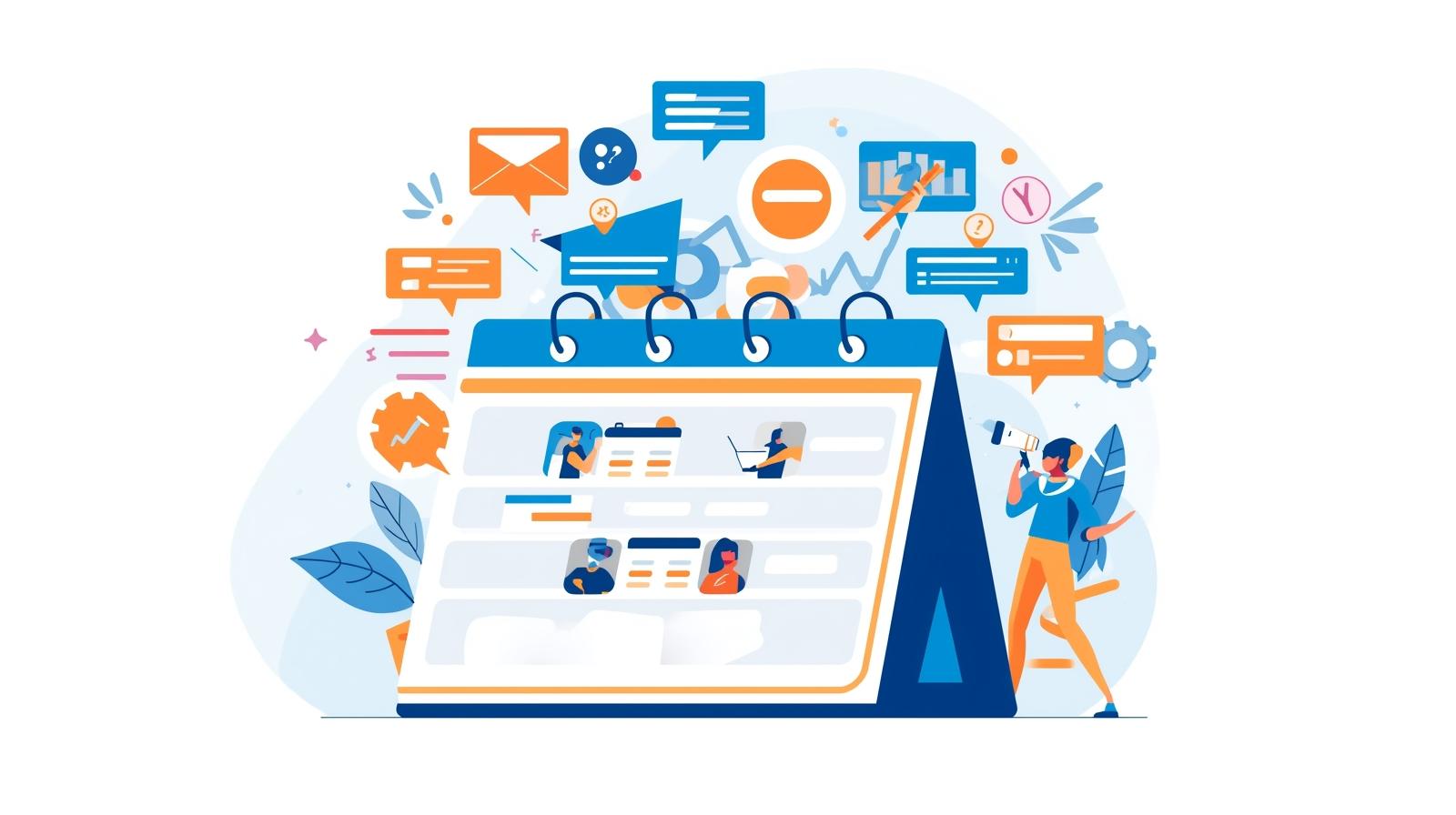
E-commerce event whether product launches, flash sales, or live webinars are only as successful as the audience that attends them. Even the most meticulously planned campaigns can falter if your target audience forgets the event or misses the notification. While email reminders, social media campaigns, and ads are useful, they don’t always guarantee engagement or participation. This is where calendar invites become a powerful solution.
With tools like Let’s Calendar, event organizers can not only send bulk calendar invites at scale but also personalize them with crucial attendee-specific information. This ensures higher visibility, engagement, and commitment, making your e-commerce events a success.
The Challenge of E-Commerce Event Attendance
Many e-commerce marketers face low turnout despite heavy promotion. Key reasons include:
- Email fatigue, leading users to ignore reminders.
- Social media posts buried in crowded feeds.
- Last-minute announcements failing to capture attention.
For brands investing time, resources, and creativity into events, missing attendees translates into lost opportunities, lower engagement, and reduced revenue.
By integrating calendar invites into your event workflow, you provide a direct mechanism for attendees to commit making it easier for them to remember, join, and engage with your event.
How Bulk Calendar Invites Solve the Problem
Sending bulk calendar invites is more than just distributing event notifications, it’s about ensuring your audience is actively reminded and engaged. Here’s why it works:
- Guaranteed Visibility: Unlike emails or social posts, a calendar invite directly appears in the recipient’s calendar, making it hard to miss.
- Automated Reminders: Once an attendee accepts, the invite triggers automatic notifications as the event approaches.
- Personalized Experience: With tools like Let’s Calendar, you can add personalized fields, ensuring each attendee receives information relevant to them, boosting engagement.
- 1:1 Invitations at Scale: Organizers can send mass invites discreetly without spamming recipients, keeping communication professional and targeted.
By using bulk calendar invites, you ensure that your audience not only receives the invite but is also reminded to attend, bridging the gap between awareness and action.
Personalizing Calendar Invites for Maximum Engagement
Generic invites are often ignored. Personalization is key:
- Include the recipient’s name and specific interests.
- Highlight the benefits or exclusivity of the event.
- Add detailed information like event agenda, speakers, or product details.
Let’s Calendar enables adding these crucial details at scale without compromising privacy or professionalism. Attendees feel valued, and you increase the likelihood of higher attendance.
Step-by-Step Guide to Adding Events Across Platforms
Whether your audience uses Google Calendar, Outlook, Apple Calendar, or other platforms, properly integrating events is essential. Here’s a general guide:
- Google Calendar:
- Click Create Event, fill in details, and use the “Add Guests” feature.
- Use Let’s Calendar to send multiple invites efficiently.
- Outlook:
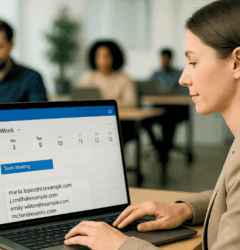
- Navigate to New Meeting in your calendar, include recipients, and attach agendas.
- Bulk acceptance and invites are streamlined via Let’s Calendar.
- Apple Calendar:
- Select New Event, enter details, and invite attendees via email.
- Ensure personalized fields are included for relevance.
- Other Platforms:
- Most calendars support .ics files; attaching these ensures recipients can add to calendar seamlessly.
Using Let’s Calendar ensures all these steps are automated, reducing human error and increasing efficiency.
Integrating Calendar Invites With E-Commerce Events
Calendar invites can be particularly effective for:
- Product Launches: Keep your VIP customers and early subscribers engaged by sending invites they can add to calendar.
- Webinars: Share a webinar timer or agenda within the invite to keep participants informed.
- Flash Sales: Send timely notifications so attendees don’t miss exclusive deals.
When combined with email campaigns and social media promotion, calendar invites become part of a seamless multi-channel engagement strategy.
Real-Life Success Stories
Several e-commerce brands have successfully leveraged calendar invites:
- A fashion retailer saw a 40% increase in live webinar attendance after sending bulk calendar invites to subscribers.
- A tech company launched a new gadget by sending personalized invites to early-access customers, resulting in record participation.
- A subscription box service used calendar invites for seasonal launches, boosting retention and engagement.
These examples highlight the tangible benefits of integrating calendar invites into your marketing strategy.
Best Practices for E-Commerce Calendar Invites
- Segment Your Audience: Send personalized invites to different customer groups.
- Include Key Information: Clearly outline the agenda, speakers, or offers.
- Schedule Early: Give attendees ample notice to add to calendar.
- Follow Up: Send reminders or updated event information to keep engagement high.
- Track Responses: Monitor who has accepted or declined to optimize future campaigns.
Conclusion
Handling e-commerce events effectively requires more than just planning, it demands reliable tools to ensure your audience shows up and engages. Let’s Calendar simplifies this process by allowing you to send bulk calendar invites, personalize each invitation, and track responses effortlessly. Whether you’re managing webinars, product launches, or flash sales, Let’s Calendar ensures your invites reach the right people at the right time, reducing no-shows and boosting engagement. By integrating this tool into your event workflow, you can focus on creating memorable experiences.
while Let’s Calendar takes care of the scheduling and attendee management seamlessly.





Shubhi Patel