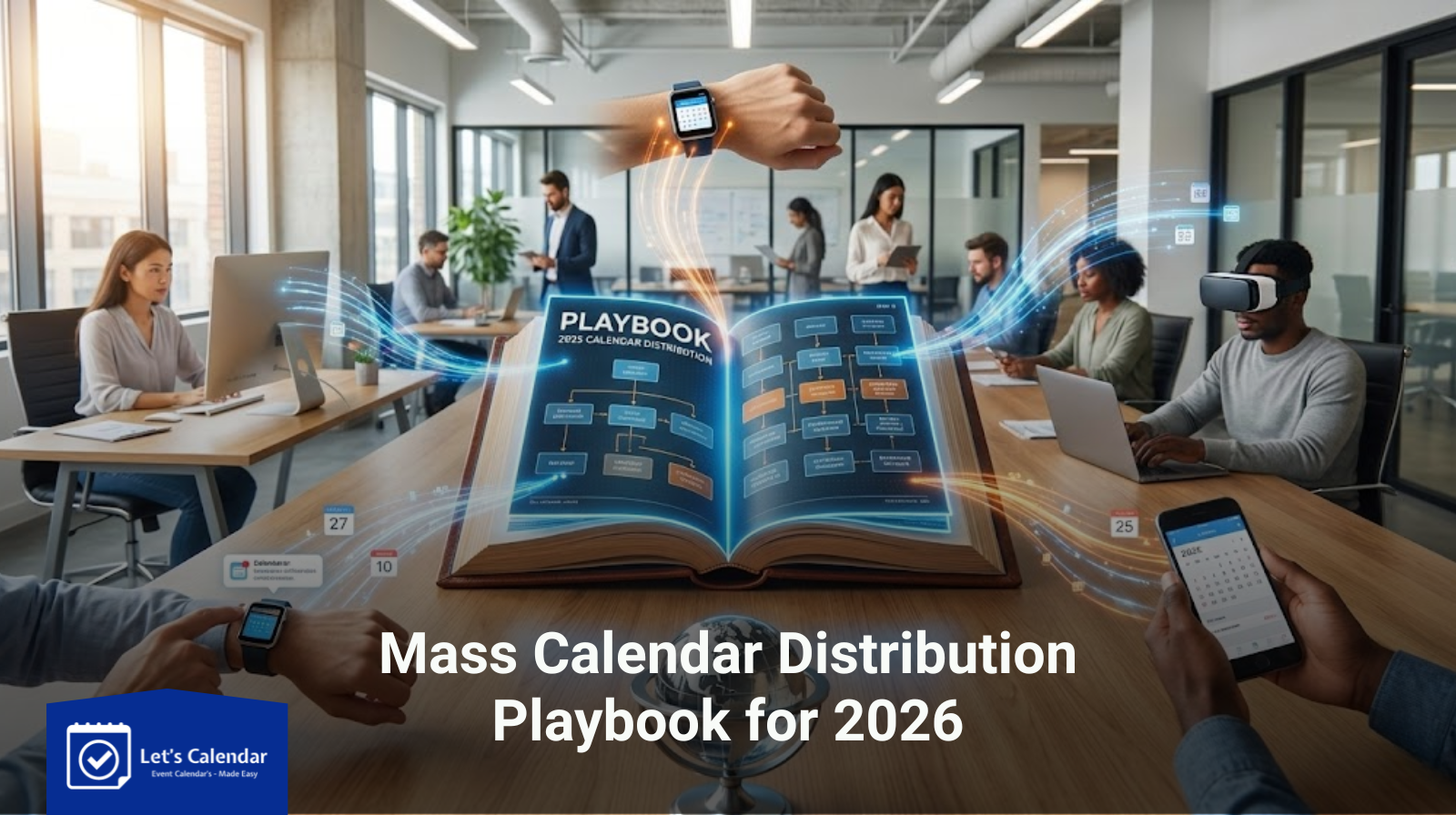
Mass Calendar Distribution Playbook for 2026
In 2026, event organizers are handling more webinars, conferences, and client meetings than ever before. Managing schedules at scale can be challenging, especially when you need to ensure attendance, reduce no-shows, and personalize invitations for high-value clients or delegates. One of the most effective ways to streamline this process is through mass calendar distribution.
This playbook guides event organizers, webinar teams, and CXO executives through the process of creating, sending, and tracking calendar invites efficiently, with practical insights on using Let’s Calendar to handle invites at scale while keeping them discreet and personalized.
Understanding Calendar Invites
Before diving into mass distribution, it’s essential to understand what is a calendar invite.
A calendar invite is a digital invitation that appears directly in your recipient’s calendar. Unlike simple email reminders, calendar invites integrate with platforms such as Gmail, Outlook, and Apple Calendar. They automatically notify participants, send reminders, and reduce the risk of missed events.
Key elements of an effective calendar invite:
- Clear event title
- Date and time with time zone awareness
- Agenda or session details
- Location or virtual meeting link
- Personalized details for individual recipients
Properly structured invites improve attendance, reduce follow-ups, and enhance professional communication.
Why Mass Calendar Distribution Matters
For a single webinar or client meeting, sending invites manually is simple. However, large-scale events require a systematic approach. Mass calendar distribution allows you to:
- Streamline scheduling: Send hundreds of invites simultaneously.
- Maintain personalization: Include sensitive or participant-specific details discreetly.
- Track responses: Know who accepted, declined, or marked tentative.
- Reduce follow-ups: Automated notifications and reminders reduce manual work.
By send meeting invites or send calendar invite gmail, marketing teams, webinar operations teams, and CXOs can ensure smooth event management without compromising on personalization.
Planning Your Event Calendar
Before sending invites, plan your event calendar carefully:
- Map all events: Identify webinars, conferences, client meetings, and recurring sessions.
- Prioritize personalization: Decide which participants need tailored information.
- Time zone considerations: Ensure all invitees see correct local times.
- Scheduling in advance: Send invites 1–2 weeks before events to allow attendees to plan.
Step-by-Step Guide: Creating and Sending Calendar Invites with Let’s Calendar
Here’s how organizers can create campaigns and send mass calendar invites using Let’s Calendar:
- Log in to Your Let’s Calendar Account
Navigate to the login page and enter your credentials. - Access the Campaigns Section
Click “Create Campaigns” in the expanded Campaigns section on the left-hand sidebar. - Fill in Campaign Details
Enter all necessary event information:- Event title
- Description
- Date and time
- Venue or virtual meeting link
- Additional notes or agenda
- Let’s Calendar automatically uses these details to populate calendar invites, ensuring recipients have complete information.
- Submit the Campaign
Click “Submit” to finalize your campaign. The platform generates calendar invites ready for distribution.
Tips for Best Results:
- Send invites discreetly to preserve confidentiality.
- Personalize invites 1:1 or in bulk for specific attendees.
- Track responses, including acceptances, declines, and tentative RSVPs.
- Ensure compatibility with Gmail, Outlook, and Apple Calendar so attendees can add to calendar easily.
Adding Events Across Calendar Platforms
To maximize attendance, ensure calendar invites work across different platforms:
Cross-platform compatibility increases attendee convenience and reduces missed events.
Tracking Responses and Optimizing Attendance
After sending invites, tracking responses is key:
- Accepted: Confirmed attendees for planning purposes.
- Declined: Adjust resources or reschedule if necessary.
- Tentative: Follow up to secure final confirmation.
Let’s Calendar makes it easy to track RSVPs, providing insights into attendee engagement and helping organizers optimize session planning.
Best Practices for Mass Calendar Distribution
To ensure successful events:
- Send invites well in advance (1–2 weeks).
- Avoid generic messages; include agenda and personalized notes.
- Follow up automatically using built-in tracking to increase confirmations.
- Check cross-platform compatibility to ensure smooth integration for all attendees.
Advanced Tips for Large-Scale Events
For webinars, conferences, or client meeting series:
- Multi-timezone scheduling: Ensure participants in different regions see accurate local times.
- Recurring events: Use recurring calendar invites for webinar series or weekly meetings.
- Mobile-friendly invites: Ensure attendees can access invites and event details on smartphones.
- Segmented audience: Send personalized invites to specific groups for targeted engagement.
Troubleshooting Common Issues
Even with careful planning, issues may occur:
- Calendar conflicts: Check for overlapping events.
- Missed invites: Ensure emails are not marked as spam.
- Syncing issues: Provide multiple platform options for all recipients.
- Time zone mistakes: Verify time zones before sending to international participants.
Conclusion
Mass calendar distribution is essential for successful webinars, conferences, and client meetings in 2026. By combining thoughtful planning, personalization, and platform capabilities like Let’s Calendar, organizers can:
- Increase attendance and engagement
- Reduce scheduling conflicts and no-shows
- Maintain professional communication
- Save time managing large-scale events
Understanding what is a calendar invite, how to send a calendar invite in Gmail or Outlook, and how to add to calendar effectively ensures your events run smoothly, professionally, and efficiently.





Recent Comments