How to Send Calendar Invites in Gmail.
Scheduling meetings and managing event communication can quickly become complicated when you are dealing with multiple attendees, speakers, and stakeholders. For event organizers, webinar teams, and conference managers, send calendar invites in gmail through Gmail is one of the most reliable ways to ensure attendees receive event details and reminders directly in their calendars.
Whether you are hosting a webinar, conference session, or client meeting, sending a calendar invite through Gmail helps ensure that participants have the correct date, time, and joining details.
Many organizers also use tools that support AddEvent, Add to Event, or add calendar to event functionality so attendees can easily save the event in their preferred calendar platform.
However, when events involve hundreds or thousands of participants, sending invites manually becomes difficult. This is where tools like Let’s Calendar help organizers send personalized calendar invitations at scale while still maintaining a 1:1 communication experience.
In this guide, we will walk through how to send calendar invites using Gmail, best practices for managing event invitations, and how teams can scale their invitation process efficiently.
Why Calendar Invites Are Important for Webinars and Conferences
Calendar invites play a critical role in ensuring attendees show up for meetings and events.
When participants receive a calendar invitation:
- The event automatically appears in their calendar
- They receive reminders before the event
- They have easy access to meeting links and event details
For conferences and webinars, this ensures that speakers, panelists, and attendees stay informed about session schedules.
Many organizers rely on a send bulk meeting invite strategy when promoting webinars or conferences to a large audience.
Similarly, webinar teams often need to send bulk calendar invite messages to hundreds of registrants so everyone receives event reminders at the same time.
When Event Teams Need to Send Calendar Invites
Event teams use calendar invitations in several scenarios:
Webinar Registrations
When someone registers for a webinar, they should immediately receive a calendar invite so the event is saved in their schedule.
Conference Session Invitations
Speakers and attendees receive invites for individual sessions.
Client Meetings
Sales and CXO teams use Gmail calendar invites to schedule important discussions with clients.
Internal Event Planning
Event operations teams often schedule internal planning meetings using calendar invites.
In many cases, teams try to send mass meeting invite in gmail when they need to invite large groups quickly.
How to Send a Calendar Invite in Gmail (Step-by-Step)
Sending a calendar invite using Gmail is straightforward and only takes a few steps.
Step 1: Open Google Calendar
First, open Google Calendar using your Google Workspace account.
Click the Create button to start a new event.
Step 2: Add Event Details
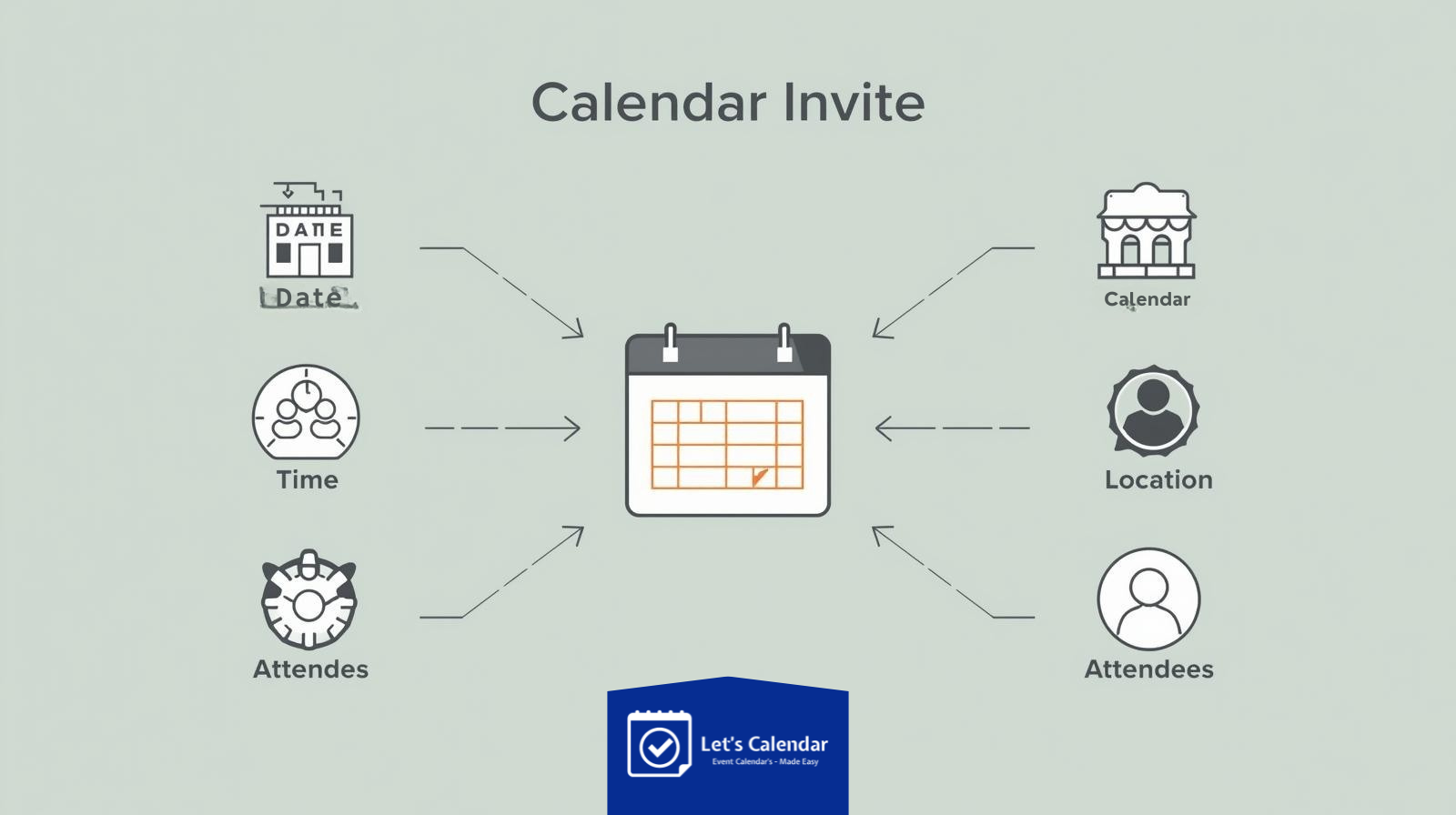
Enter the following information:
- Event title
- Meeting date
- Start and end time
- Location or webinar link
- Event description
Many organizers also include add calendar options within their event promotions so attendees can save the event easily.
Step 3: Add Guests
In the Guests section, add the email addresses of participants you want to invite.
Once added, attendees will automatically receive the calendar invitation.
Step 4: Customize Event Description
Your event description should include important details such as:
- Webinar agenda
- Speaker information
- Meeting link
- Instructions for joining
Some event platforms also allow add to event links so users can quickly save the event across multiple calendar platforms.
Step 5: Send the Invite
Once everything is ready, click Save.
Google Calendar will ask if you want to send invitations to attendees.
Click Send, and your calendar invite will be delivered.
How to Add Calendar Invites Across Multiple Platforms
Today’s attendees use different calendar tools. Some use Google Calendar, others use Outlook or Apple Calendar.
To improve accessibility, many event organizers provide add calendar to event links so attendees can choose their preferred calendar platform.
Popular options include:
- Google Calendar
- Outlook Calendar
- Apple Calendar
- Yahoo Calendar
Tools that support AddEvent functionality automatically generate links for multiple calendar platforms.
This makes it easier for attendees to save the event regardless of their device or calendar preference.
Challenges of Sending Calendar Invites at Scale
While sending invites individually works well for small meetings, event organizers often face challenges when dealing with larger audiences.
Some of the most common challenges include:
Sending Invitations to Large Audiences
When hosting webinars or conferences, organizers may need to invite hundreds or thousands of participants.
This is when teams look for ways to send bulk meeting invite in gmail efficiently.
Managing Personalized Invitations
Different invitees may need slightly different information such as:
- Speaker notes
- VIP meeting links
- Personalized joining instructions
Managing this manually can become difficult.
Tracking Responses
Organizers also need to know:
- Who accepted the invite
- Who declined
- Who has not responded yet
This information helps teams plan attendance and engagement strategies.
How Let’s Calendar Helps Send Calendar Invites at Scale
While Gmail works well for simple meeting invitations, large events require more advanced capabilities.
Let’s Calendar is designed to help event teams manage calendar invitations efficiently at scale.
With Let’s Calendar, teams can:
- Send personalized calendar invites
- Manage invites for large conferences and webinars
- Send invitations discreetly as 1:1 messages
- Track responses and engagement
- Automate invite distribution
Instead of manually sending hundreds of invites, teams can simply upload contact lists and send invitations automatically.
This helps webinar teams who need to send bulk calendar invite in gmail workflows without overwhelming their inbox.
Sending Personalized Calendar Invites for Client Meetings
Personalization is extremely important for client meetings and executive discussions.
Instead of sending generic invites, teams can include personalized details such as:
- Client company name
- Meeting agenda
- Dedicated meeting link
- Custom notes
Using personalization helps increase acceptance rates and improves attendee engagement.
Some organizations also use mass calendar invite in gmail strategies for internal meetings or company-wide announcements.
Calendar Invite Best Practices for Webinars and Conferences
To ensure your calendar invites are effective, follow these best practices.
Write Clear Event Titles
Example:
- Webinar: Future of Event Technology
- Client Strategy Meeting
- Marketing Conference Session
Include Complete Event Details
Your invite description should contain:
- Agenda
- Speakers
- Joining link
- Support contact
Send Invites Immediately After Registration
When someone registers for your webinar, they should instantly receive a calendar invitation.
This ensures the event is saved in their schedule.
Use Reminder Notifications
Set automatic reminders before the event so attendees don’t forget.
Gmail vs Outlook Calendar Invites
Different organizations use different calendar systems.
Some companies rely on Google Workspace, while others use Microsoft tools.
For example:
Understanding these differences helps event teams ensure invites reach every attendee successfully.
Future of Event Scheduling and Calendar Invitations
As conferences and webinars continue to scale globally, calendar invitations are becoming more sophisticated.
Modern tools now support:
- Automated invite distribution
- Personalized event messaging
- Multi-platform calendar integrations
- Attendance tracking and analytics
Platforms like Let’s Calendar make it easier for event teams to manage invitations efficiently while maintaining a personalized communication experience.
Conclusion
send calendar invites in gmail is one of the simplest ways to ensure participants stay informed about upcoming meetings, webinars, and conferences.
By following the right steps and best practices, organizers can ensure their invitations are clear, professional, and easy for attendees to accept.
However, when managing large-scale events, sending invitations manually becomes inefficient. Tools like Let’s Calendar allow event teams to send personalized invites, manage responses, and coordinate large audiences with ease.
For event organizers, marketing teams, and webinar managers, adopting a smart calendar invitation strategy ensures better attendance, smoother scheduling, and more successful events.






Recent Comments