Why Calendar Invites Are Better Than Email Reminders
In today’s fast-paced digital world, getting attendees to actually show up for webinars, conferences, and client meetings is no easy task. Event organizers often rely on email reminders, thinking they are sufficient. Yet, countless invites get lost in crowded inboxes, ignored, or even marked as spam. This is where calendar invites become a game-changer. Unlike traditional email reminders, calendar invites not only notify participants in real time but also integrate seamlessly into their schedules.
If you’ve ever asked yourself “what is a calendar invite?” or wondered how it can improve attendance for your events, this article will walk you through the reasons calendar invites outperform email reminders, and how modern tools like Let’s Calendar make the process effortless, reliable, and personalized.
Why Calendar Invites Outperform Email Reminders
1. Higher Visibility and Engagement
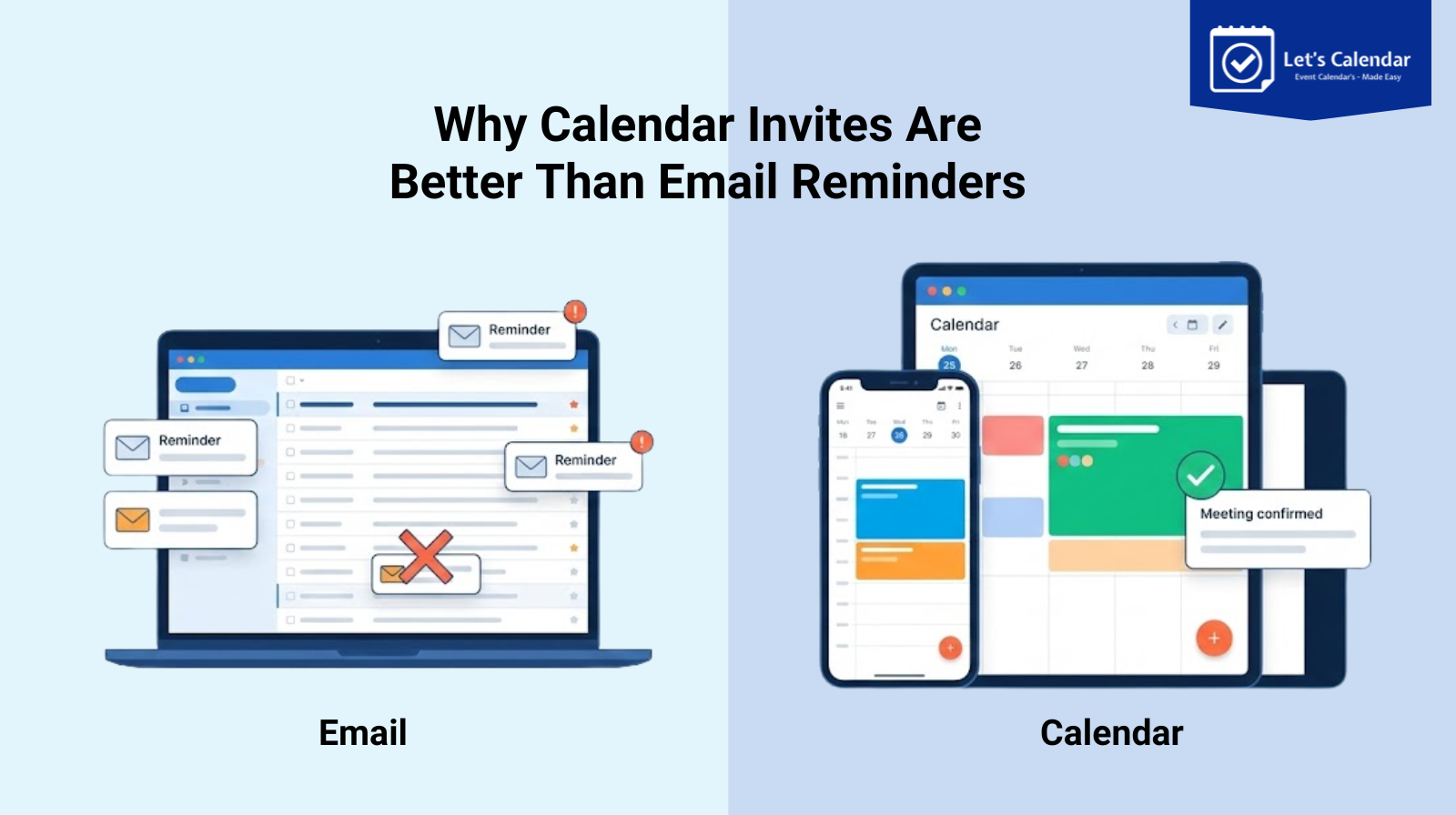
One of the biggest challenges with email reminders is that they can be easily overlooked. Participants may receive dozens of emails daily, and even important reminders can get buried. Calendar invites, on the other hand, appear directly in the attendee’s calendar app with notifications, making it much harder to ignore. By simply clicking “add event to my calendar”, participants are automatically reminded about the event, increasing engagement and attendance.
2. Automatic Time Zone Adjustments
Global audiences are common for webinars and virtual conferences. Sending an email reminder with a static time often causes confusion across time zones. Calendar invites automatically adjust to the attendee’s local time, ensuring everyone knows exactly when the event begins. This feature alone significantly reduces missed sessions.
3. RSVP and Attendance Tracking
With a calendar invite, organizers can track whether an attendee has accepted, declined, or marked the invitation as tentative. This provides real-time insights into expected attendance, helping teams better prepare for webinars or meetings. Email reminders, on the other hand, rarely provide such detailed tracking.
4. Easy Updates and Rescheduling
If there’s a change in event timing, location, or link, calendar invites update automatically. Attendees do not need to manually check for updates or receive multiple follow-up emails. This makes managing changes far simpler and more professional.
5. Integration With Personal Schedules
Calendar invites seamlessly integrate with a participant’s existing schedule. Attendees can see conflicts and plan their day accordingly. Email reminders do not offer this level of convenience or clarity.
Common Scenarios Where Calendar Invites Excel
Webinars
For webinars, participants need links to join at the correct time. Calendar invites can include the link directly, along with session details. Clicking add to calendar ensures the webinar link is ready on their device at the scheduled time.
Conferences
Multi-session conferences require precise scheduling. With calendar invites, attendees can receive all session details in a single calendar file, helping them plan their day efficiently. This reduces confusion and improves session attendance.
Client Meetings
Sending send meeting invites in Outlook or Gmail manually can be time-consuming and error-prone. Automated calendar invites ensure every client receives the correct link, time, and instructions individually, improving professionalism and attendance.
How Calendar Invites Work Across Different Platforms
1. Gmail / Google Calendar
Google users often use the “add to calendar” button, which automatically inserts the event into Google Calendar. Tools like Let’s Calendar simplify this by allowing organizers to send bulk invites while still keeping each invite personalized.
2. Outlook / Office 365
Outlook users rely on outlook calendar invitations for scheduling. Properly formatted invites ensure the meeting details appear correctly and updates sync automatically if any changes occur. Organizers no longer need to wonder “how to send a calendar invite in Outlook”, as automation handles the process seamlessly.
3. Apple Calendar / iCal
Apple users can receive .ics files that integrate with iCal. Calendar invites ensure the attendee has all details and notifications without any additional effort.
4. Mobile Calendars
Automated invites also work across Android and iOS devices, ensuring participants can receive alerts and reminders wherever they are.
Best Practices for Sending Calendar Invites
- Personalize Each Invite
Include the attendee’s name, session information, and any relevant notes. Personalized invites feel more professional and improve engagement.
- Provide Clear Add to Calendar Options
Include add to calendar links that work across Gmail, Outlook, and Apple Calendar. This allows participants to add the event with a single click.
- Automate the Process
Sending bulk invites manually is prone to errors. Automation ensures each invite is delivered individually, reducing the risk of spam filtering.
- Track RSVPs and Attendance
Use tools that allow you to see who has accepted, declined, or not responded. This helps in planning resources and managing sessions effectively.
- Test Before Sending
Always send test invites to yourself or your team to ensure proper formatting and functionality.
How Let’s Calendar Supports Organizers
Let’s Calendar is a platform designed to help event organizers automate calendar delivery for webinars, conferences, and client meetings. It allows you to:
- Schedule bulk invites while sending them discreetly 1:1.
- Personalize each calendar invite with session-specific details.
- Ensure compatibility across Gmail, Outlook, Apple, and mobile devices.
- Track RSVPs and automate updates if event details change.
By using Let’s Calendar, teams can save time, reduce errors, and improve attendance without overwhelming administrative work.
Conclusion
Email reminders alone are no longer sufficient for ensuring event attendance. Calendar invites offer higher visibility, automatic time zone adjustments, RSVP tracking, and seamless integration with attendees’ schedules. By automating calendar invites using tools like Let’s Calendar, event organizers can save time, reduce errors, and create a professional experience for every participant.
Whether it’s webinars, multi-session conferences, or client meetings, calendar invites are a smarter, more reliable alternative to traditional email reminders. By incorporating personalized, automated invites, you not only increase attendance but also ensure every attendee has all the information they need right at their fingertips.
Start sending calendar invites for free with Let’s Calendar.






Recent Comments