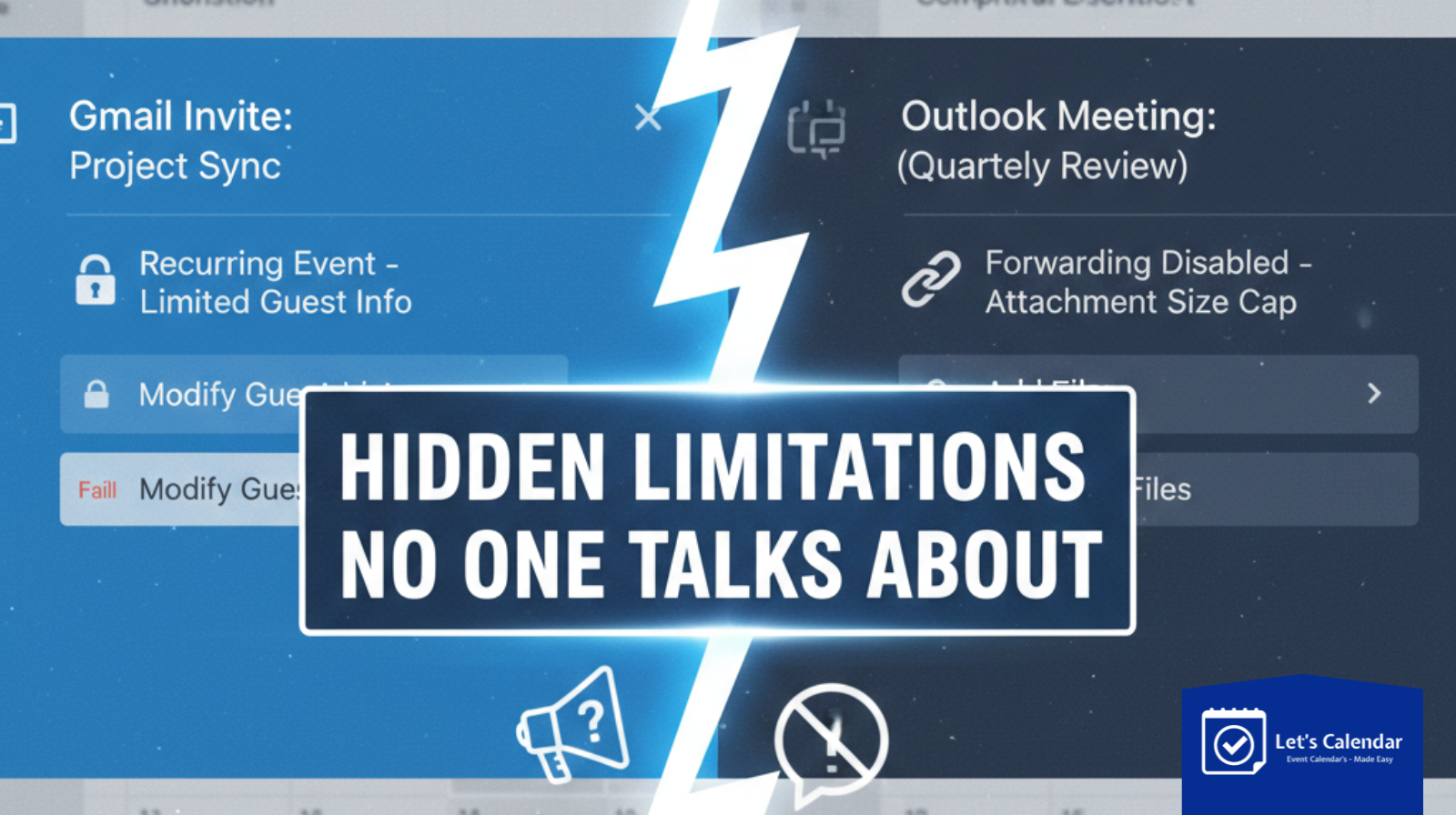
Gmail vs Outlook Calendar Invites: Hidden Limitations No One Talks About
Sending a calendar invite from Gmail and Outlook feels like a simple task. You choose a date, add a time, include a meeting link, and click send. But many organizers later hear a frustrating response: “I never saw the invite” or “It didn’t show up on my calendar.”
These issues happen frequently when working with Gmail and Outlook calendars, especially for webinars, conferences, and client meetings involving many attendees. The truth is that calendar systems have hidden limitations that most people don’t talk about.
This is why teams managing events at scale often use solutions like Let’s Calendar. It helps organizers send bulk calendar invites discreetly, personalize each invite 1:1, track responses, and reduce delivery issues across Gmail and Outlook. In this blog, we’ll explain the hidden limitations of calendar invites and how to work around them effectively.
What Is a Calendar Invite and Why It’s More Complex Than It Looks
Before diving deeper, let’s clarify what is calendar invite.
A calendar invite is a digital request that asks someone to block time on their calendar. It contains structured information such as date, start time, end time, location or meeting link, and sometimes notes or instructions.
What many people don’t realize is that calendar invites rely on specific formatting rules. If those rules are broken even slightly the invite may not appear on the recipient’s calendar at all. This is where many problems begin.
How Calendar Invites Work Behind the Scenes
When you send a calendar invite, the email system tries to recognize it as an event. If it succeeds, the invite appears as a meeting request with accept or decline options.
If it fails, the invite may:
- Appear as a normal email
- Go unnoticed in the inbox
- Never appear on the calendar
This behavior varies between Gmail and Outlook, which is why the same invite can work for one user and fail for another.
Gmail Calendar Invites: Hidden Limitations
Gmail generally handles calendar invites smoothly, but it still has limitations.
Many issues occur when organizers don’t understand how to send a calendar invite on Gmail properly. If the invite is not structured as a real event, Gmail may not recognize it.
Another common issue happens when organizers assume Gmail will automatically fix formatting mistakes. It won’t. Even small errors can prevent attendees from adding the event correctly.
This is why knowing how to send calendar invite Gmail users can easily accept is critical for webinar and conference organizers.
Outlook Calendar Invites: Hidden Limitations No One Mentions
Outlook is widely used in corporate environments, and it follows stricter rules.
Many organizers struggle with how to send outlook calendar invite requests that actually show up for all recipients. Outlook often applies company-level restrictions that can block or hide meeting requests.
Problems frequently occur when teams try to send meeting invites in Outlook without accounting for external recipients, time zone differences, or security policies.
Understanding how to send calendar invite Outlook users can reliably receive is especially important for CXO meetings and enterprise webinars.
Why Gmail and Outlook Behave So Differently
The biggest challenge is that Gmail and Outlook interpret calendar data differently.
Gmail is more flexible, while Outlook is more controlled, especially inside organizations. When organizers don’t adjust their approach, invites may fail silently.
This is why teams must test invites on both platforms before sending them to large audiences.
How to Send Calendar Invites the Right Way
Many organizers ask:
The answer is simple: always send a properly structured calendar event, not just an email with meeting details.
A correct invite must include:
- Clear date and time
- Correct time zone
- A valid meeting link
- Clean formatting
Skipping any of these increases the chance of failure.
Manual Invites vs Using Invite Software
Sending one invite manually might work, but problems increase when you scale.
Manually sending an invite calendar request to hundreds of people often leads to:
- Formatting inconsistencies
- Missed invites
- No visibility into responses
This is where invite software becomes useful. It helps maintain structure, consistency, and reliability when sending many invites.
Common Mistakes Organizers Make
Many invite failures happen because organizers:
- Send meeting details as plain emails
- Forget to test across platforms
- Ignore time zone differences
- Assume acceptance means attendance
Avoiding these mistakes significantly improves invite delivery and attendance rates.
Best Practices for Webinars, Conferences, and Client Meetings
To reduce calendar invite issues:
- Always test invites in Gmail and Outlook
- Keep event details simple and accurate
- Send updates if information changes
- Monitor responses early
- Treat calendar invites as part of the attendee experience
These practices help prevent confusion and last-minute issues.
Calendar Invites Have Limits Your Process Shouldn’t
Gmail and Outlook calendar invites are powerful, but they are not perfect. Their hidden limitations often cause invites to fail, especially at scale.
By understanding how these platforms work and following best practices, organizers can avoid most invite-related issues. For teams managing webinars, conferences, and client meetings, tools like Let’s Calendar help simplify the process. With bulk yet discreet calendar invites, personalization, and response tracking, teams can ensure their invites actually show up and perform as expected.
When calendar invites are treated as a strategic part of event planning not just a formality everything runs more smoothly.






Shubhi Patel