- Email: sales@letscalendar.com
- phone: +44 (0) 203 916 5117
24 Apr
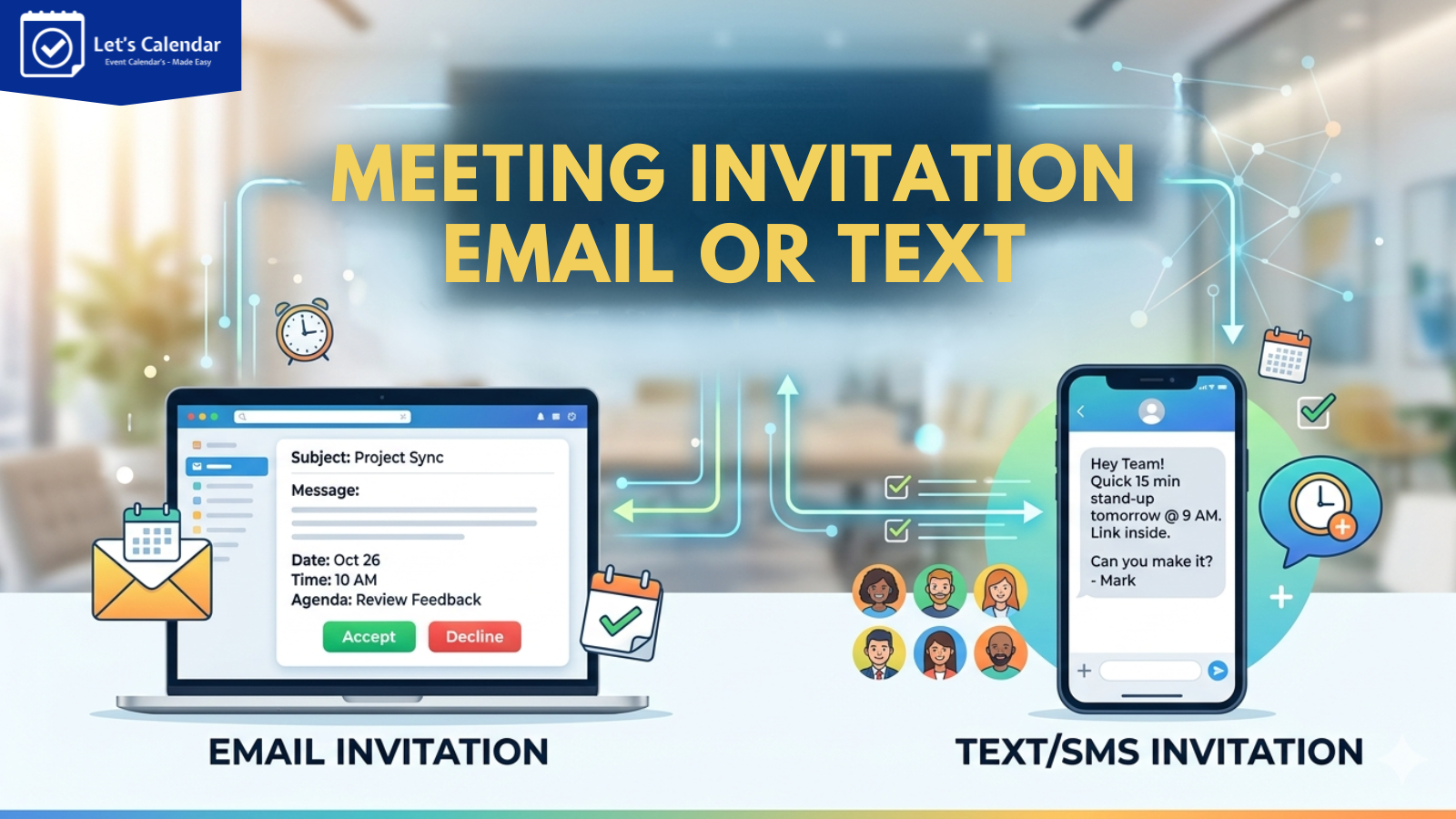
Write a Meeting Invitation Email or Text
Writing an email for meeting invitation sounds simple, but in reality, many event organizers struggle with what to write and how to structure it properly. Whether you’re planning a webinar, conference, or client discussion, knowing how to send meeting invitation emails clearly can directly impact attendance and engagement.
For webinars, conferences, and client meetings, a poorly written invite can lead to confusion, low attendance, or missed opportunities. And when you’re managing large audiences, sending invites manually makes it even harder.
This is where having a clear structure for your email and the right tools like Let’s Calendar makes a big difference. You not only write better emails but also ensure they reach the right people, at the right time, with proper calendar integration.
What is a Meeting Invitation Email?
A meeting invitation email is a message sent to inform people about a meeting, event, or session. It includes key details like the purpose of the meeting, date, time, and how to join.
Whether you’re planning a webinar, internal meeting, or client discussion, your invite is the first impression. A clear and well-written invite helps attendees understand the value of joining and increases the chances of participation.
Key Elements of a Meeting Invitation Email
Before writing, you need to understand what makes a good invitation. Every effective meeting email includes a few essential elements.
The subject line should clearly tell what the meeting is about. It should be simple and direct so the recipient knows what to expect.
Next comes the purpose of the meeting. This is where you briefly explain why the meeting is happening and why it matters to the recipient.
The date and time must be clearly mentioned, along with the timezone if needed. This avoids confusion, especially for global audiences.
You should also include the meeting link or location. For online meetings, this could be a Zoom or Teams link.
Finally, a call to action is important. Ask recipients to confirm, accept the invite, or take the next step.
How to Write a Meeting Invitation Email?
If you’re wondering how to send meeting invitation emails that actually work, follow this simple structure.
Start with a clear and direct subject line. Avoid long or confusing phrases.
Then begin your email with a short introduction and clearly mention the purpose of the meeting.
Add all important details such as date, time, and meeting link. Keep everything easy to scan.
Keep your message short. Avoid adding unnecessary information that might confuse the reader.
End your email with a simple action, ask them to accept the invite or confirm their availability.
This structure works for almost every type of meeting, from internal discussions to large webinars.
Simple Meeting Invitation Email Sample
Here is a simple meeting invitation email sample you can use as a starting point:
Hi Sir/ Ma’am,
I’d like to invite you to a meeting to discuss “Real time Investment Streagity”.
Date: xx/yy/zz
Time: 10:00
Link: [Insert Link]
Please confirm your availability.
Meeting Invitation Email Templates.
Meeting Invitation Email Templates
Here are ready-to-use meeting invitation email templates you can copy and customize based on your use case. These follow best practices for writing a clear email for meeting invitation that improves response rates and reduces confusion.
Here are few examples of example of email invitation for meeting:
1. Business Meeting Template
Best for: internal or external business discussions:
Subject: Meeting Request: “Conference Discussions — 23-04-4046”.
Hi [Sir/Ma’am],
I would like to schedule an invite to business meeting to discuss “Upcoming Conference Discussion”. This will help us align on priorities and next steps.
Details:
Date: 23-04-2026
Time: [Time] ([Time Zone])
Location: [Link / Meeting Room]
Duration: 45 minutes
The meeting will cover:
- [Key discussion point 1]
- [Key discussion point 2]
- [Key decision or outcome]
Please confirm your availability. You can also add this directly to your calendar using the invite link below.
Looking forward to your confirmation,
Name: XYZ
2. Internal Team Meeting
Best for: team syncs, updates, project discussions
Subject: Team Meeting: [Project/Topic] — [Date]
Hi Team,
We are scheduling a meeting to review updates on [project/task] and discuss next steps.
Details:
Date: [Date]
Time: [Time]
Location: [Zoom/Meet link]
Agenda:
- Progress updates
- Blockers & challenges
- Next sprint/action items
Please ensure you join on time. You will also receive a calendar invite to block your schedule automatically.
Thanks,
[Your Name]
3. Client Meeting Request
Best for: client communication, follow-ups, proposals
Subject: Meeting Request: [Topic] — [Proposed Date]
Hi [Client Name],
I would like to schedule a call to discuss [specific topic, e.g. Q2 results, proposal, onboarding, project updates]. This will help us stay aligned before [milestone/deadline].
Would [Date] at [Time] ([Time Zone]) work for you?
Call Details:
Duration: ~[X] minutes
Format: [Google Meet / Zoom / In-person]
If this time doesn’t work, feel free to suggest alternatives, I can also send a calendar link with available slots for quick selection.
Looking forward to speaking with you,
[Your Name]
[Title | Company]
4. Formal Business Meeting Invitation
Best for: executives, external stakeholders, formal communication
Subject: Invitation: [Meeting Purpose] – [Date], [Time]
Dear [Name],
I would like to formally invite you to a business meeting on behalf of [Company Name] to discuss [purpose].
Details:
Date: [Day, Date]
Time: [Time] ([Time Zone])
Location: [Physical / Virtual link]
Duration: Approximately [X] minutes
Agenda:
- [Topic 1 in full sentence]
- [Topic 2 in full sentence]
- [Decision or outcome expected]
Please confirm your availability by replying to this email or accepting the calendar invite sent separately. If the time does not work, I would be happy to reschedule.
Warm regards,
[Full Name]
[Title | Company]
5. Virtual Meeting / Webinar Invitation
Best for: online events, webinars, global teams
Keyword: invitation meeting email template
Subject: You’re Invited: [Event Name] – [Date] at [Time]
Hi [Name / Team],
You are invited to attend our virtual session on [topic].
Details:
Date: [Date]
Time: [Time] ([Time Zone])
Platforms: [Zoom / Google Meet / Teams]
Time zones:
🇮🇳 IST: [Time]
🇬🇧 GMT: [Time]
🇺🇸 EST: [Time]
Agenda:
- Introduction & overview
- Key insights / discussion
- Q&A session
Please click the calendar invite link below to automatically block your schedule. This ensures the meeting is added to your calendar and reduces the chance of missing it.
See you online,
[Your Name]
Meeting Invitation Examples
Sometimes, meeting invitation examples to help you understand different formats.
A formal calendar invite will be structured, polite, and detailed. It’s mostly used for business meetings and client communication.
An informal invite is short and direct. It works well for internal team meetings.
A short invite focuses only on essential details, while a detailed one includes agenda and context.
Choosing the right format depends on your audience and purpose.
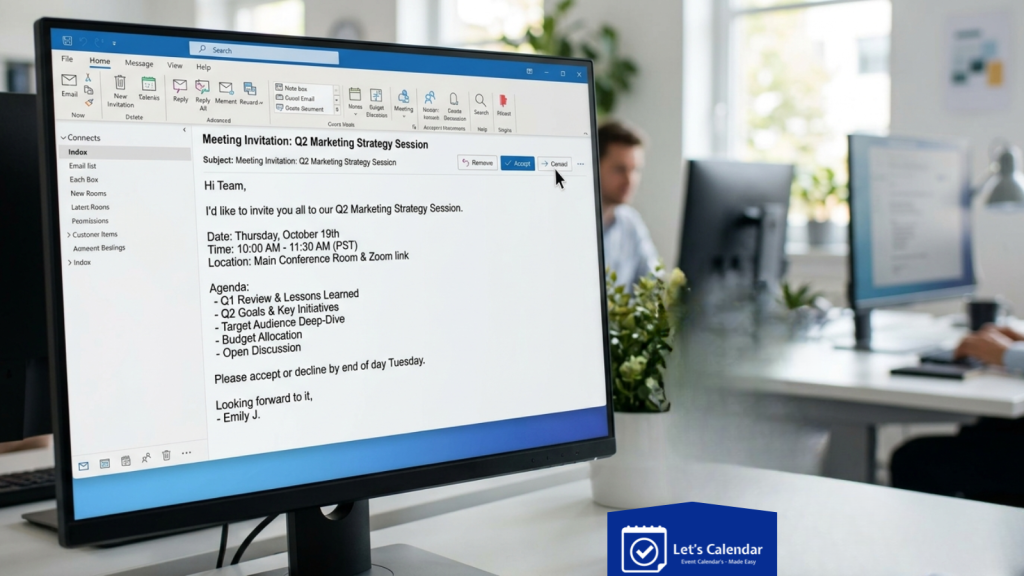
How to Send a Meeting Invitation Email?
You can send meeting emails using platforms like Gmail or Outlook. Simply create an event, add participants, and send the invite.
When using tools like Gmail or Outlook, you can create events and send invites, but managing multiple meeting emails manually can become difficult as your scale increases.
You can also use options like “add to event” or “add calendar to event” so recipients can easily save the meeting in their calendar.
However, this process becomes difficult when you need to send multiple calendar invites or manage large audiences. Manually adding people, tracking responses, and managing follow-ups can take a lot of time.
Here is another sample email invitation for meeting you can use:
Hi [Name],
You are invited to join a session on [topic].
[Details]
Avoid Scheduling Conflicts Before Sending Meeting Invitations
Writing a great email for meeting invitation won’t help much if the meeting time doesn’t work for your attendees.
One of the biggest problems with manual scheduling is sending invitations without checking calendar availability first.
This often leads to situations where:
- the attendee already has another meeting scheduled
- their calendar is blocked
- the selected time overlaps with important appointments
- multiple back-and-forth emails are needed to reschedule
For example, you send a client meeting invite for Friday at 3 PM, only to receive a reply saying they’re unavailable and asking for alternative slots. Now the process starts all over again.
Before sending meeting emails, always verify availability if possible. Many teams use calendar booking tools or scheduling platforms that allow attendees to choose available time slots based on real calendar availability.
This reduces scheduling conflicts, improves attendance rates, and helps meetings get confirmed faster.
If you’re sending invites at scale, Let’s Calendar makes this even easier by helping teams manage calendar invitations, reduce scheduling conflicts, and automate meeting confirmations.
Common Mistakes to Avoid
One of the most common mistakes is writing long and unclear emails. Keep your message short and to the point.
Missing important details like time or meeting link can confuse recipients.
Not adding a call to action means people may not respond.
Sending invites manually to many people increases the chances of errors.
How Let’s Calendar Helps
When you’re managing meetings, webinars, or large events, sending invites manually is not practical.
Let’s Calendar helps you send calendar invites at scale without losing personalization. You can send invites 1:1, customize them for each recipient, and ensure all important details are included.
It also allows you to track responses, so you know who has accepted, declined, or not responded. This makes follow-ups easier and improves overall attendance.
Instead of managing everything manually, you can automate the entire process and focus on running successful meetings and events.
Conclusion
Writing a meeting invitation email is not difficult when you follow the right structure. The key is to keep it clear, simple, and focused on the recipient.
But as your meetings and events grow, managing invites manually becomes a challenge. That’s where tools like Let’s Calendar help you scale your process, improve response rates, and save time.
With the right approach and the right tools, you can turn simple meeting invites into a smooth and effective communication process.
Try Let’s Calendar for Free!

Shubhi is a calendar invitation and event technology specialist at Let's Calendar, helping organizations improve attendance and simplify event scheduling through scalable calendar invitation solutions.






Shubhi Patel