In today’s fast-paced digital world, what is an ical file and sending a calendar invite may seem simple, but for event organizers managing high-stakes webinars, international conferences, or VIP client meetings, one wrong calendar sync can lead to missed sessions, misaligned time zones, or reduced attendance.
One of the major sources of confusion in this process lies in the misunderstood terms: iCal, iCalendar, and .ICS. Are they the same thing? Are they Apple-specific? Can they be used interchangeably? Most importantly, how do these formats impact your ability to send and track calendar invites at scale?
In this post, we’ll clear the fog. We’ll break down what an iCal file actually is, how it relates to ICS and iCalendar formats, and why solutions like Let’s Calendar are quickly replacing traditional methods for event professionals who need personalized, secure, and bulk calendar scheduling.
1. iCal, iCalendar, and ICS, Clearing Up the Confusion
Let’s start with the basics and clarify what each of these terms actually means:
a. What is iCal?
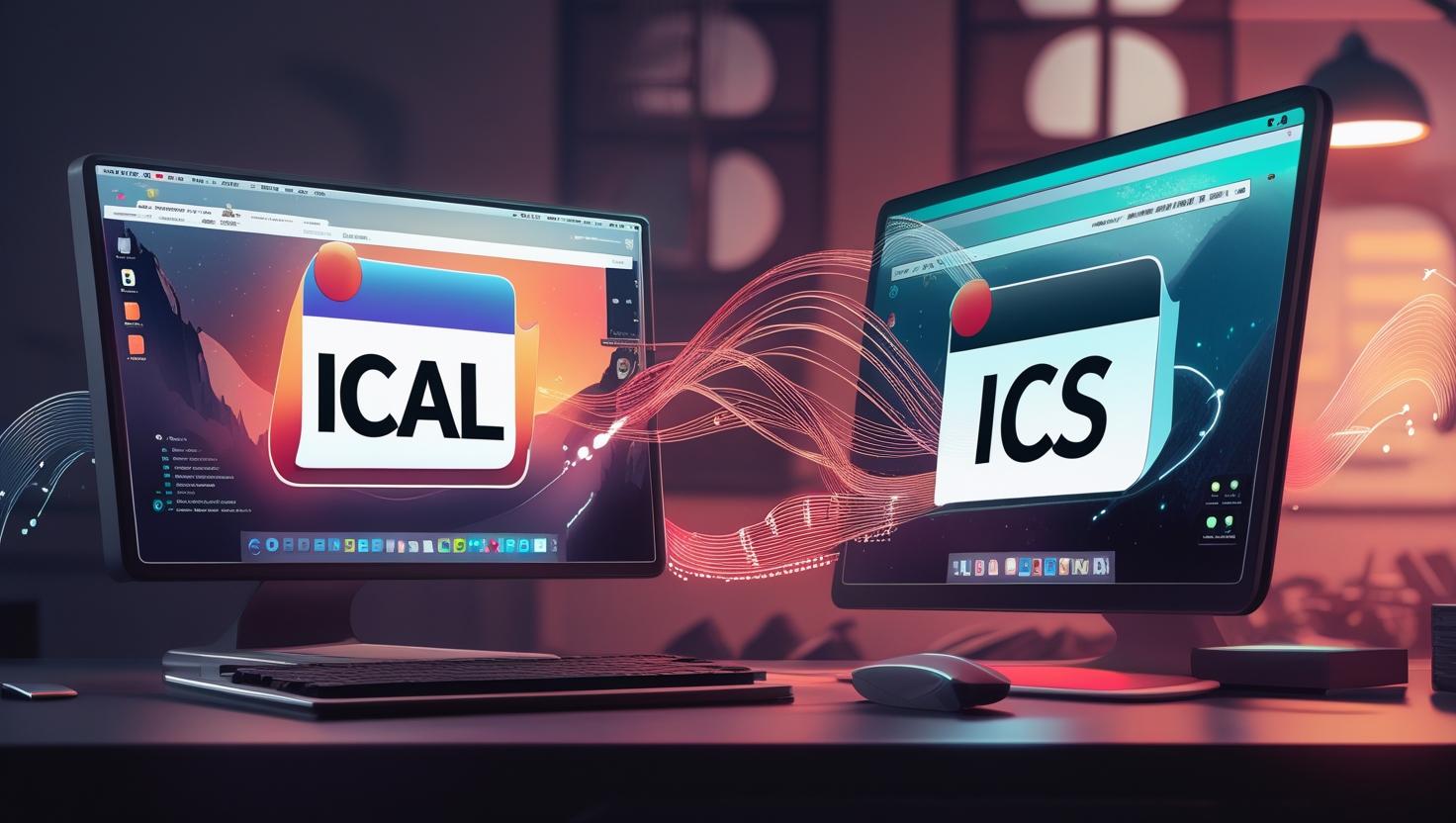
The term “iCal” was originally the name of Apple’s calendar application, now known simply as Apple Calendar. While the name has evolved, many people still refer to it as “iCal.” It’s a native app that supports calendar subscriptions and event invites, and it uses the ICS file format for interoperability.
When people ask “what is ical file,” they often mean an invite exported from Apple Calendar in .ics format.
b. What is iCalendar Format?
iCalendar format is the standardized data format (RFC 5545) that allows calendar data to be shared across different platforms. It enables Apple Calendar, Google Calendar, Outlook, and others to interpret shared calendar data correctly. This format is what ICS files are based on.
c. What is ICS File Format?
An ICS file is simply a file that uses the iCalendar format. It’s a text file with a .ics extension that contains information such as:
- Event title
- Time and time zone
- Location
- Description
- Recurrence rules
- Reminders
This format is extremely popular because it works across major platforms, but it’s also static, and lacks real-time flexibility.
2. iCal vs ICS: Why It Matters for Webinars and Client Meetings
While iCal (the app) uses ICS (the file), they’re not the same thing. iCal is the sender; ICS is the envelope.
When you create an event in Apple Calendar and export it, you’re producing an ICS file. This file can be opened by users of Outlook, Gmail, or Yahoo, thanks to the underlying icalendar format. However, exporting an ICS file and emailing it isn’t the same as sending a smart, personalized invite.
This matters when you’re hosting webinars or meetings with:
- Dozens or hundreds of invitees
- Multiple sessions or tracks
- Attendees in different time zones
Sending .ics files manually can’t handle the complexity and scale involved in modern event scheduling. That’s where intelligent calendar invite systems come in.
3. The Hidden Pitfalls of Relying on Apple iCal or Raw ICS Files
No Personalization
ICS files are static. You can’t customize them based on the attendee’s name, title, or access level.
No RSVP Tracking
Once an ICS file is sent, it’s out of your hands. You can’t track if someone added it to their calendar or declined.
File Attachment Issues
ICS files sent via email often land in spam or are flagged as suspicious.
No Real-Time Updates
If a session time changes, everyone must receive a new file. With no sync, attendees may miss critical updates.
No Bulk Scheduling
Managing a bulk calendar invite for events using ICS means manually attaching a file to every email or using a tool that still relies on static files.
ICS and iCal simply weren’t designed to scale across hundreds or thousands of attendees in a secure, personalized way.
4. Why Event Teams Need a Cross-Platform, Scalable Alternative
Event organizers, especially those managing global audiences or enterprise webinars, need more advanced features:
- Platform-neutral delivery across Gmail, Outlook, Apple, Yahoo
- Dynamic personalization: Custom links, time zones, speaker info per attendee
- Real-time RSVP tracking
- Smart calendar syncs (not downloads)
- Add to calendar buttons that don’t break
This is where Let’s Calendar comes in: a browser-based platform that eliminates the chaos of ICS files and brings automation to event scheduling.
5. Let’s Calendar vs iCal/ICS: Feature-by-Feature Comparison
|
Feature
|
Apple iCal
|
ICS File
|
Let’s Calendar
|
|
Platform support
|
Apple only
|
Universal
|
Universal ✅
|
|
Personalization
|
❌
|
❌
|
✅
|
|
RSVP tracking
|
❌
|
❌
|
✅
|
|
Bulk calendar invite for events
|
❌
|
Manual
|
✅
|
|
Add to calendar buttons
|
❌
|
Basic
|
Rich, trackable ✅
|
|
Real-time updates
|
❌
|
❌
|
✅
|
|
Wallet integration
|
❌
|
❌
|
✅
|
Let’s Calendar is designed with marketing and CXO teams in mind. It ensures that each invite is custom-fit for the recipient while offering the ability to manage events at scale.
6. How to Add Events Using Let’s Calendar (For All Platforms)
Let’s Calendar simplifies multi-platform scheduling with these easy steps:
Step 1: Upload a CSV or integrate with your CRM
Step 2: Customize invites by session, attendee name, time zone
Step 3: Generate smart “Add to Calendar” buttons
Step 4: Send calendar invites in bulk instantly
Step 5: Track RSVP responses in real-time
This works seamlessly across:
- Google Calendar
- Outlook Calendar
- Apple Calendar
- Yahoo Calendar
No ICS download needed. Just click “add to event” and the calendar updates directly.
Send Bulk Calendar Invitation Now
Don’t let attendees miss your event!
Click Here
7. When to Move Beyond iCal and ICS
You’re ready to move beyond ICS files when:
- You’re managing sensitive client meetings or investor roundtables
- You run multi-track conferences with 500+ attendees
- You need discretion and personalization at scale
- You want real-time visibility into attendee behavior
Instead of fighting file attachments, spam filters, and manual updates, switch to Let’s Calendar and handle scheduling the modern way.
Conclusion: Simplify, Scale, and Modernize Your Event Invites
To recap:
- iCal is Apple’s calendar app
- ICS is a static file format
- Both use the icalendar format, but they lack scalability
Today’s event professionals need flexible, smart, and trackable calendar invites. That’s why platforms like Let’s Calendar exist to take the guesswork out of scheduling and put control back in your hands.
? Want to modernize your event invites? Get started with Let’s Calendar today.






Shubhi Patel