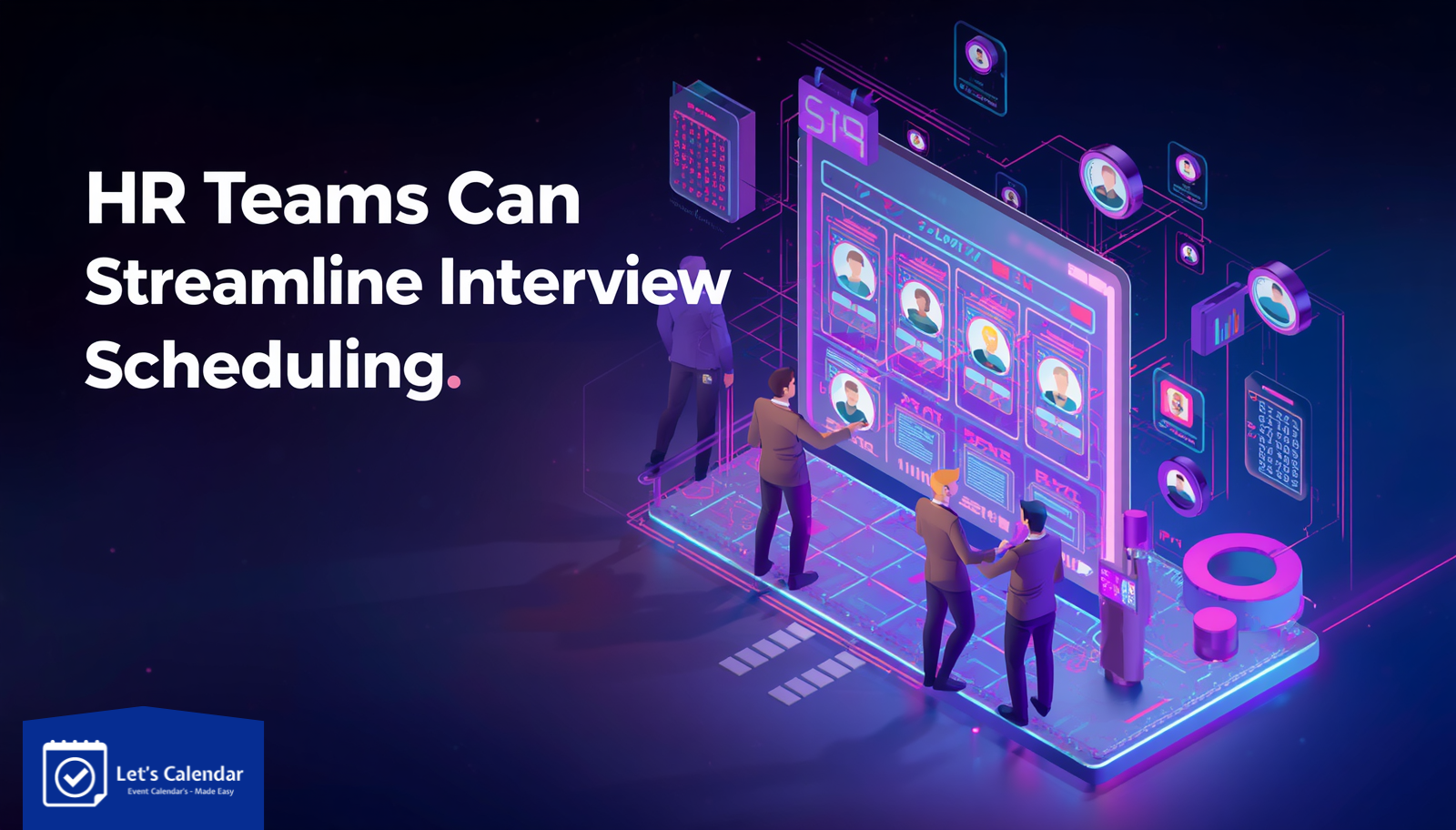
How HR Teams Can Streamline Interview Scheduling
Hiring today is not just about finding the right candidate, it’s about moving fast.
But for most HR teams, interview scheduling becomes a hidden bottleneck. Endless back-and-forth emails, missed confirmations, and last-minute reschedules slow everything down. When you’re handling multiple candidates across roles, managing calendar invites manually becomes overwhelming.
This is where modern tools like Let’s Calendar make a real difference.
Instead of sending invites one by one, HR teams can now automate scheduling, send personalized invites at scale, and track responses all from one place. Whether you’re hiring for internal roles or managing interviews like structured events, having a smarter system helps you move faster and stay organized.
The Real Challenges HR Teams Face While Scheduling Interviews
If you’ve ever handled hiring at scale, you already know the struggle.
- Sending invites individually to each candidate
- Managing different time slots and interviewer availability
- Handling reschedules and updates
- Tracking who accepted or missed the interview
- Coordinating across teams
When you start dealing with multiple calendar invites, things quickly become messy. Even something as simple as trying to send multiple calendar invites in a day can take hours of manual work.
And the biggest problem?
All this time spent on scheduling takes away from what actually matters evaluating candidates.
Why Manual Scheduling Doesn’t Work Anymore
The traditional process looks simple:
Create event → Add candidate → Send invite → Repeat.
But when scaled, this process breaks.
For example, if you need to send 50 interview invites:
- You repeat the same steps 50 times
- Risk sending incorrect details
- Miss follow-ups or confirmations
Many HR teams try to handle this by sending mass meeting invites or even attempting to send mass meeting invites in Gmail, but these approaches lack personalization and tracking.
What Modern Interview Scheduling Looks Like
Today, HR teams are moving towards automation.
Instead of managing everything manually, they:
- Create a single event setup
- Upload candidate lists
- Send invites in bulk
- Track responses in real-time
For example, using tools that support bulk calendar invites in Google or even mass calendar invites in Google, HR teams can handle large volumes of candidates without increasing workload.
The focus shifts from “sending invites” to “managing the hiring pipeline efficiently.”
How HR Teams Can Streamline Interview Scheduling
Let’s break it down into a simple, practical workflow.
Step 1: Centralize Your Scheduling Process
Instead of using emails, spreadsheets, and calendars separately, bring everything into one system.
This ensures:
- Better visibility
- Faster coordination
- Fewer mistakes
Step 2: Create Standard Interview Templates
Set up predefined structures for:
- Interview duration
- Meeting links
- Instructions for candidates
This removes repetitive work and ensures consistency.
Step 3: Send Invites at Scale (Without Losing Personalization)
Instead of sending invites one by one, use tools that allow you to:
- Upload candidate lists
- Send invites in one go
- Personalize each invite
This is especially useful when you need to send bulk meeting invite in Gmail or handle multiple roles at once.
Step 4: Manage Interviews Across Platforms
HR teams often work across different platforms like Google and Outlook.
Modern tools allow you to manage:
This flexibility is crucial for enterprise teams.
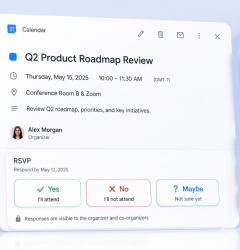
Step 5: Track Responses and Handle Reschedules Easily
Instead of checking emails manually:
- Track who accepted or declined
- Send reminders automatically
- Update schedules instantly
This reduces confusion and improves candidate experience.
Benefits of Streamlined Interview Scheduling
When you move from manual to automated scheduling, the impact is immediate.
1. Save Time
What used to take hours can now be done in minutes.
2. Faster Hiring Process
Quicker scheduling = faster interviews = faster decisions.
3. Better Candidate Experience
Candidates receive clear, timely invites with all necessary details.
4. Reduced No-Shows
Automated reminders keep candidates informed.
5. Improved Team Coordination
Everyone stays aligned with the same schedule.
Even when handling bulk calendar invite in Outlook or large-scale scheduling, everything stays organized.
Real Scenario: Hiring at Scale Without Chaos
Imagine an HR team hiring for 5 roles with 100 candidates.
Manual approach:
- Create 100 events
- Send invites individually
- Track responses manually
Result: Delays, confusion, and missed opportunities.
With a tool like Let’s Calendar:
- Upload all candidates
- Send invites in minutes
- Track everything in one dashboard
This is how modern HR teams handle mass meeting invites without chaos.
Why HR Teams Are Choosing Let’s Calendar
Let’s Calendar is built for teams that need to scale.
It allows you to:
- Send invites 1:1 at scale
- Personalize each invite
- Track responses in real-time
- Manage scheduling across platforms
Whether you’re working with Google or Outlook, you can handle:
All while maintaining a professional and organized workflow.
Simplify Interview Scheduling with Let’s Calendar
If your team is still relying on manual processes for interview scheduling, it’s time to rethink your approach.
Let’s Calendar helps you:
- Automate scheduling
- Send invites at scale
- Personalize communication
- Track everything in one place
Instead of spending hours managing invites, you can focus on what really matters, hiring the best people.





Shubhi Patel